Secure logistics · AI business automation
A business that runs on scheduling was running it on email, Excel, and one person's memory.
AI order-to-schedule automation, 70+ rules mapped
A four-week discovery mapped the whole order-to-schedule process and its seventy-plus rules, then designed an automation that runs inside the client's own Microsoft tenant. The discovery is delivered. The pilot is designed and proposed.
- Client
- Cash-in-transit operator (anonymised)
- Sector
- Secure logistics
- Stage
- Discovery delivered · pilot designed
- Build
- 6 components, manage by exception
- Stack
- Client's Microsoft tenant + Claude
The problem
The schedule is the business, and it was built by hand#
Every working day, hundreds of customer orders arrive by email in every format imaginable: typed requests, attached spreadsheets, and photos of handwritten delivery notes. A small operations team turns all of that into a quarterly master schedule and daily run sheets by hand, then uploads them into the routing system.
It worked, but it was fragile. Building the schedule cost the team 15 to 30 hours a week, the spreadsheets corrupted a few times a year, and the knowledge to do it well sat in one or two people's heads.
Where a manual process breaks
Orders in every format
Operators read hundreds of emails a day across several shared mailboxes: typed text, spreadsheets, and photos of handwritten notes, all needing to become one clean order.
Hours lost to reconciliation
Building the master schedule and run sheets by hand took 15 to 30 hours a week, with one person spending several hours a day reconciling versions.
A backup away from chaos
The whole thing lived in spreadsheets that corrupted a few times a year, needing IT to restore from backup.
Knowledge in one or two heads
Onboarding a new scheduler took one to two months. The rules were never written down, which is a serious key-person risk.
The schedule was the business. It lived in a spreadsheet, and in one person's memory.
What we did
Four weeks on site, then a design#
We started with a four-week discovery on site. We mapped the as-is process end to end, documented every order source, and captured the 70-plus business rules the schedulers apply, most of which had never been written down.
Out of that we designed an order-to-schedule automation that runs entirely inside the client's own Microsoft tenant, so their data never leaves their environment, and runs in parallel with the existing Excel process rather than replacing it overnight. The discovery is delivered. The pilot is designed and ready to build.
How it works
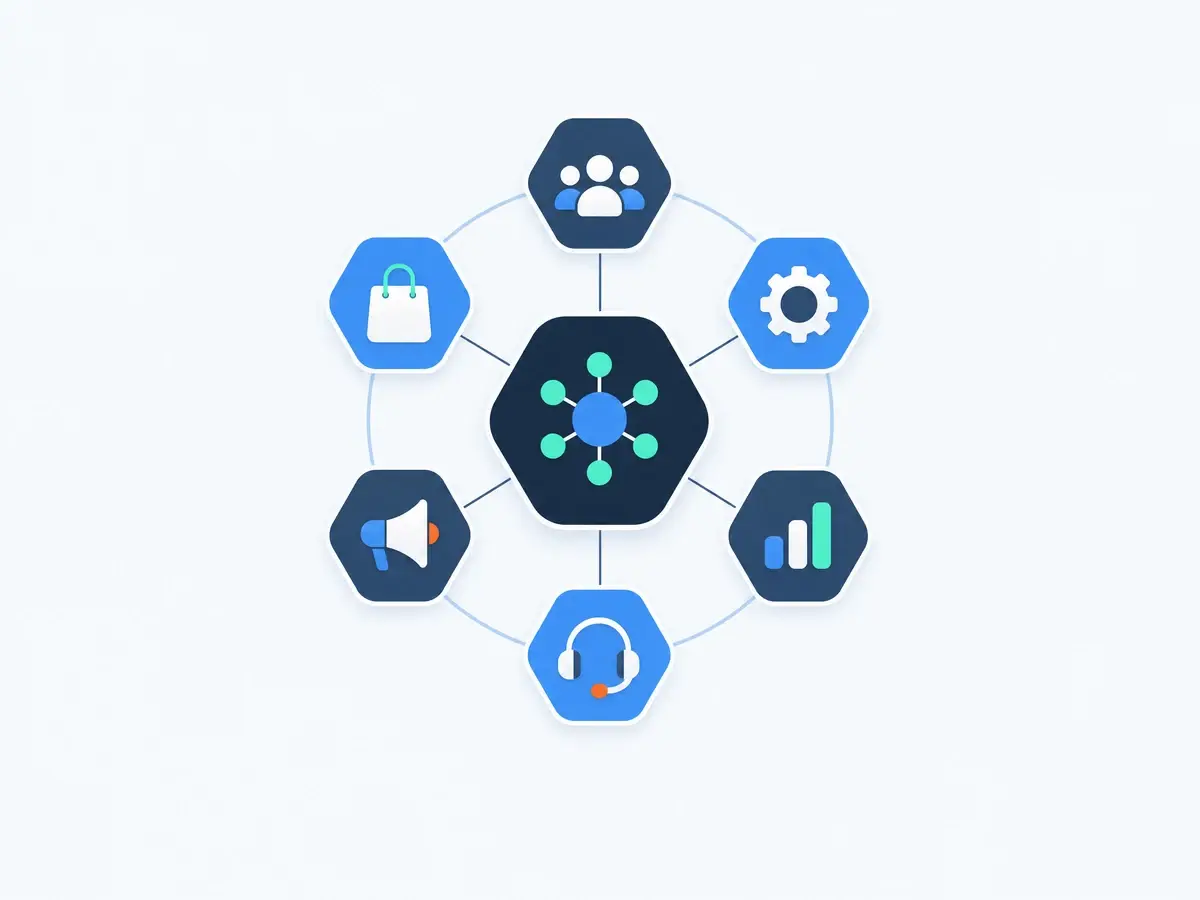
From a messy inbox to a finished schedule#
- 1
Email intake agent
Monitors the shared order mailboxes and turns typed text, spreadsheets and photographed notes into structured orders, using Claude vision to read handwriting without a separate OCR engine.
- 2
Orders database
The single source of truth: every order, its state from received to delivered, its rule checks, history and a full audit trail.
- 3
Business rules engine
The 70-plus scheduling rules encoded as a deterministic, auditable layer, kept out of the model and editable by the client without code.
- 4
Scheduling agent
Checks each order against capacity, time windows and constraints, then sorts it green, yellow or red and builds the master and daily schedules.
- 5
Human approval in Teams
The one path for overrides. Managers approve, reject or adjust proposed work in Microsoft Teams cards, with every decision logged.
- 6
Schedule and routing output
Writes the schedule back to SharePoint in the existing Excel format and feeds the route file to the client's transport management system.
Manage by exception
Green, yellow, red
Instead of touching every order, the team handles only the ones that need judgement.
| Tier | What it means | Who acts |
|---|---|---|
| Green | Handled automatically | No one |
| Yellow | Proposed for approval | A manager, in Microsoft Teams |
| Red | Left to a human | A scheduler |
Built with
- AI
- Claude Sonnet · Claude Opus · Claude Vision (handwriting and photos)
- Orchestration
- Python · LangGraph · LangChain
- Client's Microsoft tenant
- Microsoft Azure · Azure AI Foundry · Microsoft Graph API · Microsoft Teams · SharePoint
- Data & security
- SQL Server · Microsoft Entra ID · Azure Key Vault
The design target
What the pilot is built to do#
Scheduling time the design is built to reclaim
Business rules mapped and encoded
Order processing, the target
Runs in the client's own Microsoft tenant
Data stays in-house
The whole system is designed to run inside the client's own Microsoft tenant on Azure, so order and customer data never leaves their environment, which matters in a security-sensitive industry.
Nothing downstream changes
The schedule writes back in today's Excel format and feeds the existing routing system, so the pilot can run in parallel with no big-bang cutover.
Where else this works
The pattern is general: read messy inbound requests, check them against a rulebook, and route only the exceptions to a person. It fits any operations team buried in email-and-spreadsheet coordination, from order management and dispatch to claims and bookings. The same agent approach runs across our other builds.
Frequently asked questions
We ran a four-week on-site discovery: mapped the scheduling process end to end, documented every order source, and captured the 70-plus business rules the team applies. From that we designed an order-to-schedule automation and a pilot to build it. The discovery is delivered; the build is designed and proposed.
The intake agent uses Claude's vision to read handwritten and photographed delivery notes directly, so there is no separate OCR engine to maintain. It structures typed emails, attached spreadsheets and images into the same clean order format.
Every order is classified: green is handled automatically, yellow is proposed for a manager to approve, and red is left to a human. The team manages the exceptions rather than every order, so people only spend time where judgement is actually needed.
The 70-plus rules are encoded as a deterministic, auditable engine rather than baked into a prompt. That makes every decision explainable, keeps the behaviour consistent, and lets the client edit a rule themselves without changing any code.
It is designed to run entirely inside the client's own Microsoft tenant on Azure, using their existing Microsoft tools for email, files and approvals. Their order and customer data never leaves their environment, which matters in a security-sensitive industry.
No. The pattern, reading messy inbound requests, checking them against a rulebook, and routing only the exceptions to a human, applies to any operations team buried in email-and-spreadsheet coordination: order management, claims, bookings and dispatch.
To see what an agent on a process like this would free up in your firm, use our process automation ROI calculator.
Is your operation run on email and spreadsheets?
If a critical process lives in shared inboxes and one person's memory, a discovery is where we start: map it, capture the rules, and design the automation. Book a call.
Explore Other Projects
Discover more AI solutions delivering measurable results across industries