

AI adoption · Guides
AI adoption guides and playbooks
Six resources, grouped by the decision in front of you rather than by product. Each card says who the guide is written for, what it helps you settle, and where to go once you have read it, so you can pick one rather than work through all six.
The detailed playbooks use regulated-firm examples, because that is where the governance questions are sharpest. The method behind them is not specific to regulated companies.
Still deciding which way to go?
Start here if nothing has been chosen yet. It works through the routes side by side against eighteen tasks a knowledge-work business actually does.
Already running Microsoft 365?
The narrower question, and the one most companies are actually asking. The baseline work here comes before any agent.
Weighing Claude or ChatGPT?
Two playbooks for the two platforms companies most often add on top of, or instead of, an in-suite assistant.
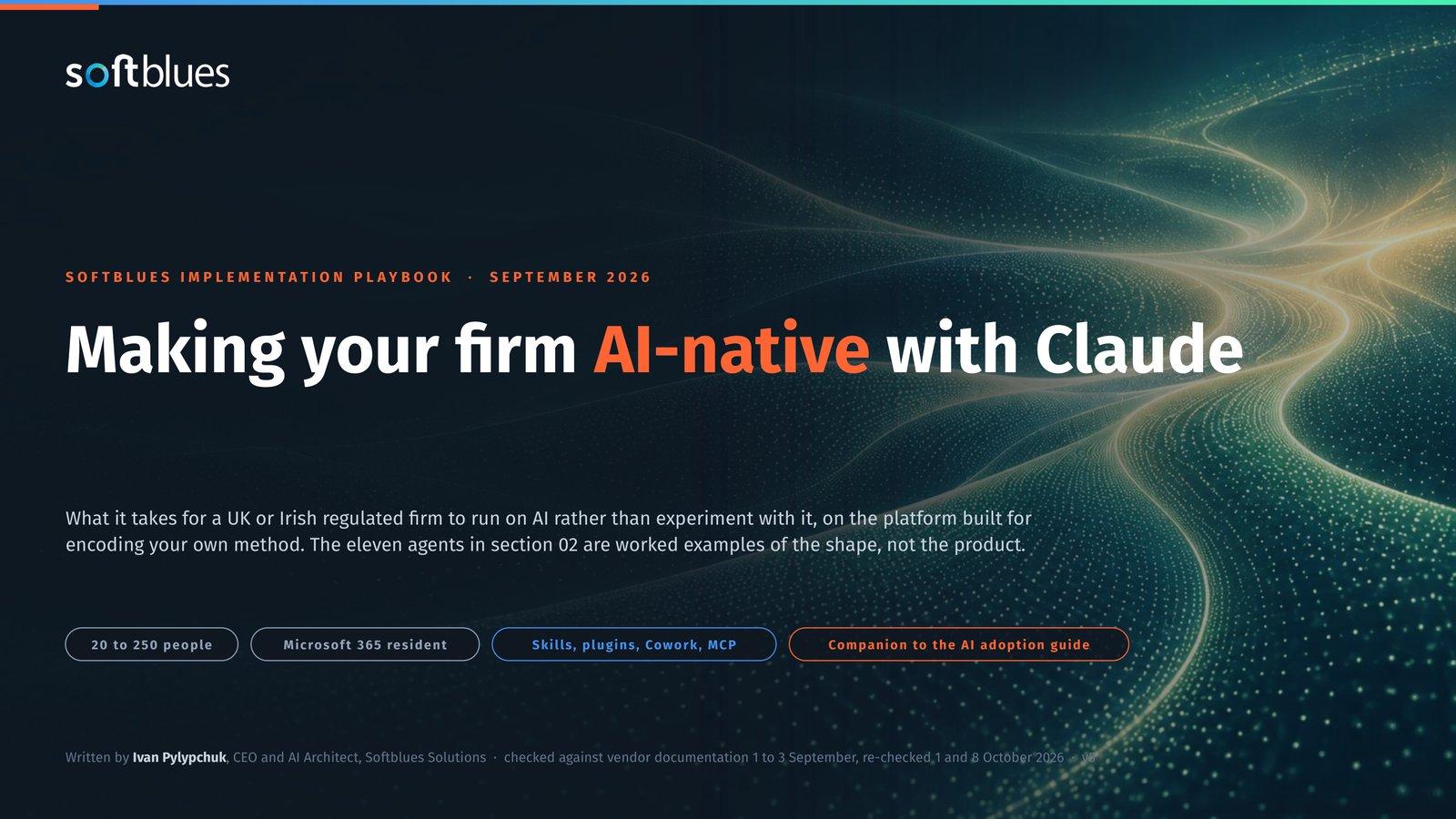 Claude Implementation Guide for AI NativeWritten for. Companies whose expensive work is long documents, analysis and repeatable method.Helps you decide. What a company actually deploys on Claude, how governed use is set up, and where Claude is the wrong tool.Afterwards. The Claude Enterprise pages, if that is the route.
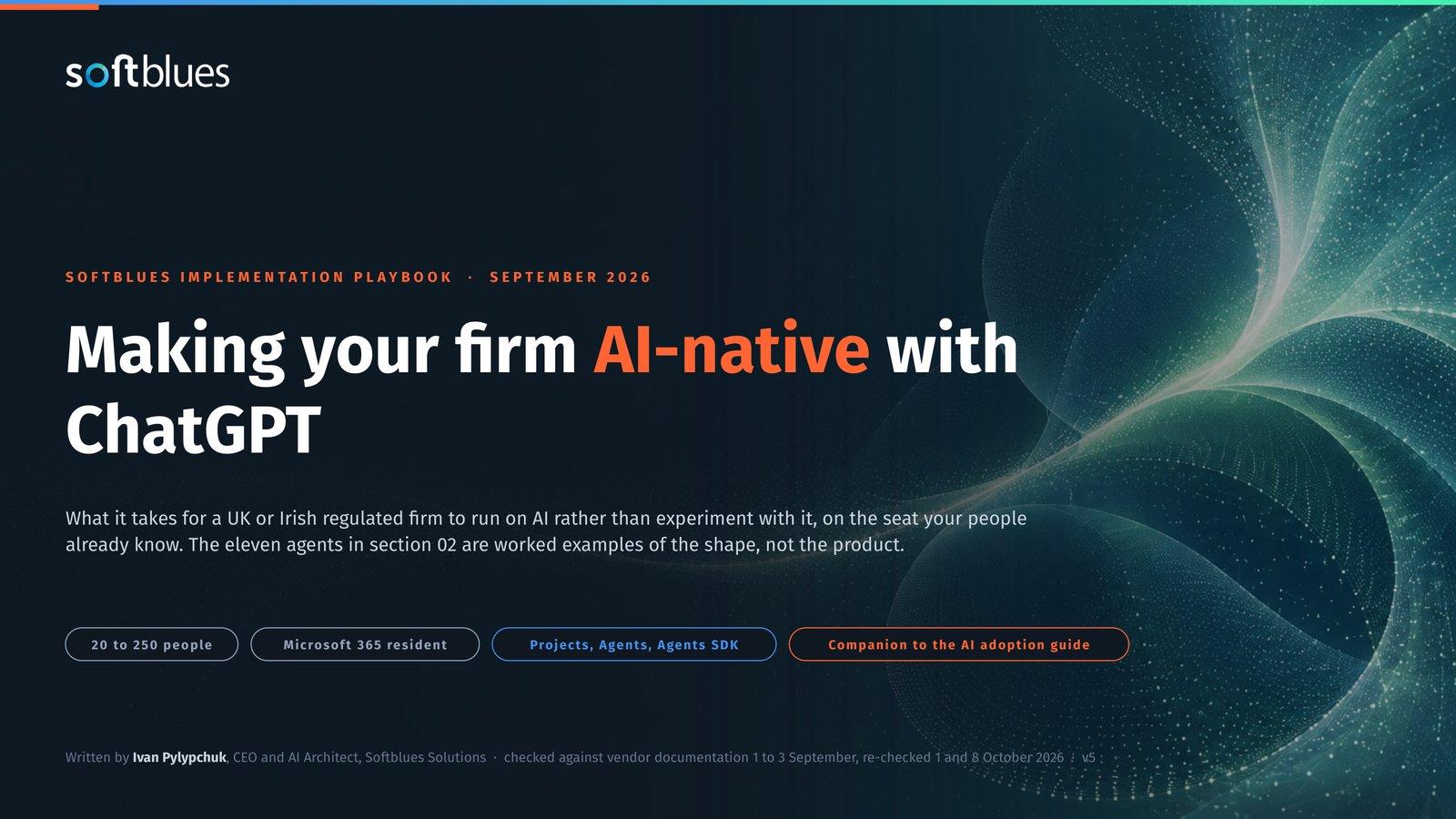 Making your firm AI-native with ChatGPTWritten for. Companies wanting one broad assistant across research, analysis and drafting.Helps you decide. Which plan clears the bar you have to clear, what the workspace controls cover, and which workflows need separate engineering rather than the product.Afterwards. The platform selection page, to test it against the other routes.
Combining two platforms?
For a Microsoft-resident company asking what to add on top of Copilot rather than what to replace it with. Each one names the platform it left out of the title.
 AI-native on Microsoft: Copilot and ClaudeWritten for. Microsoft-resident companies with a group whose work is depth.Helps you decide. How the two layers divide, and which seats need which.Afterwards. Rollout and training, sized to each group.
 AI-native on Microsoft: Copilot and ChatGPTWritten for. Microsoft-resident companies where ChatGPT is already in the building.Helps you decide. The same division, with ChatGPT as the second layer.Afterwards. Rollout and training, sized to each group.
Is the investment worth it?
The question that comes before the platform one. Work out what the whole firm gets back over two years, not just the licence line.
Your whole firm
AI ROI calculator
Five questions about your firm. See the time AI frees up, what it is worth and when it pays for itself.
Work out your numbersOne key process
Process automation ROI calculator
Five questions about one process. See the hours an AI agent frees up, what they are worth and how much becomes profit.
Work out your numbers
Free. No sign-up. Your answers stay in your browser.
Which guide should you read next?
Four situations. Find yours rather than working through all six.
Budget or value is the blocker
The AI ROI calculator for your whole firm, or the process automation ROI calculator for one key process.
The platform is undecided
The general guide, which works through eighteen tasks across the routes side by side.
One platform is a serious candidate
The playbook for that platform, once it is a real candidate rather than a possibility.
You are adding a second tool to Microsoft 365
The paired guide for whichever you are adding, rather than a guide about replacing Copilot.
Whichever route you end up on, the business case settles the question the others assume has been answered. Prefer to talk it through? Discuss AI adoption.
Common questions about the guides
Which guide should we read first?
If nothing has been chosen, the general AI-native guide. If your people already live in Microsoft 365, the Copilot playbook, because the baseline work in it comes before any decision about adding a second platform. If the spend is what holds you up rather than the choice, start with the AI ROI calculator for your whole firm, or with the process automation ROI calculator if one process is the problem.
The guides use regulated-firm examples. Do they apply to us?
The worked examples are drawn mainly from financial services, legal and healthcare, because that is where the governance questions are sharpest and the examples are therefore most concrete. The method is not specific to regulated companies. Any knowledge-work business with documents, email and a system of record will recognise the shape of it, and will have fewer constraints to work around rather than more.
Do I have to give an email address?
For the guides, yes. Each one sits behind a short form on its own page, and that page is where the download happens. The two ROI calculators are the exception: they are open, they need no sign-up, and nothing you type in them leaves your browser.
Is there a guide for Google Gemini?
Not as a separate playbook. Google is covered inside the general AI-native guide alongside the other routes, so read that one. If Google is where your work lives, the platform selection page sets out what to check, and it is worth establishing early whether the conversation is about Gemini inside Google Workspace or Gemini Enterprise on Google Cloud, because they are different products with different decisions behind them.
How current are these?
Each guide carries its own version and the date its facts were verified, and the platform positions inside them are checked against vendor documentation on a monthly cycle. Prices, plans and model line-ups all move, so read the date on the guide and treat anything older than a quarter as worth confirming before you act on it.
Read first, then talk to somebody
When a guide raises a question about your own company rather than about the product, that is the point at which a conversation is worth more than another download.
The first call covers what you want to improve, the tools you already run, and whether a scoped paid discovery is the right next step.