
AI for Accountants: 7 Use Cases for UK Practices in 2026
98% of UK practices now use AI in some way. Here are seven use cases that actually pay back for accountancy firms, and where a qualified person still signs off.
By Ivan Pylypchuk (opens in a new tab), CEO of Softblues. Has led Claude and automation projects for finance, legal and accountancy teams across the UK and Ireland.
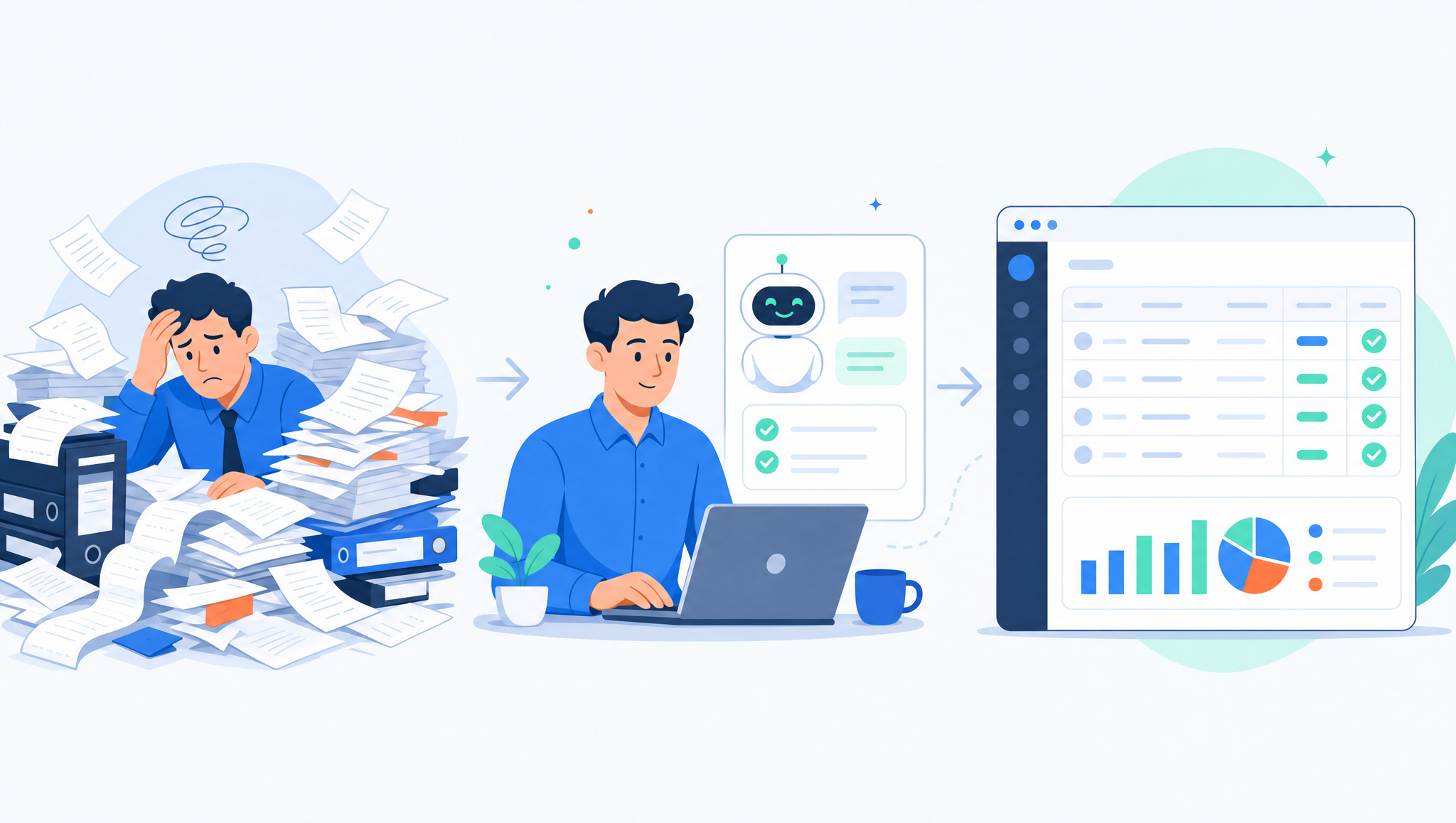
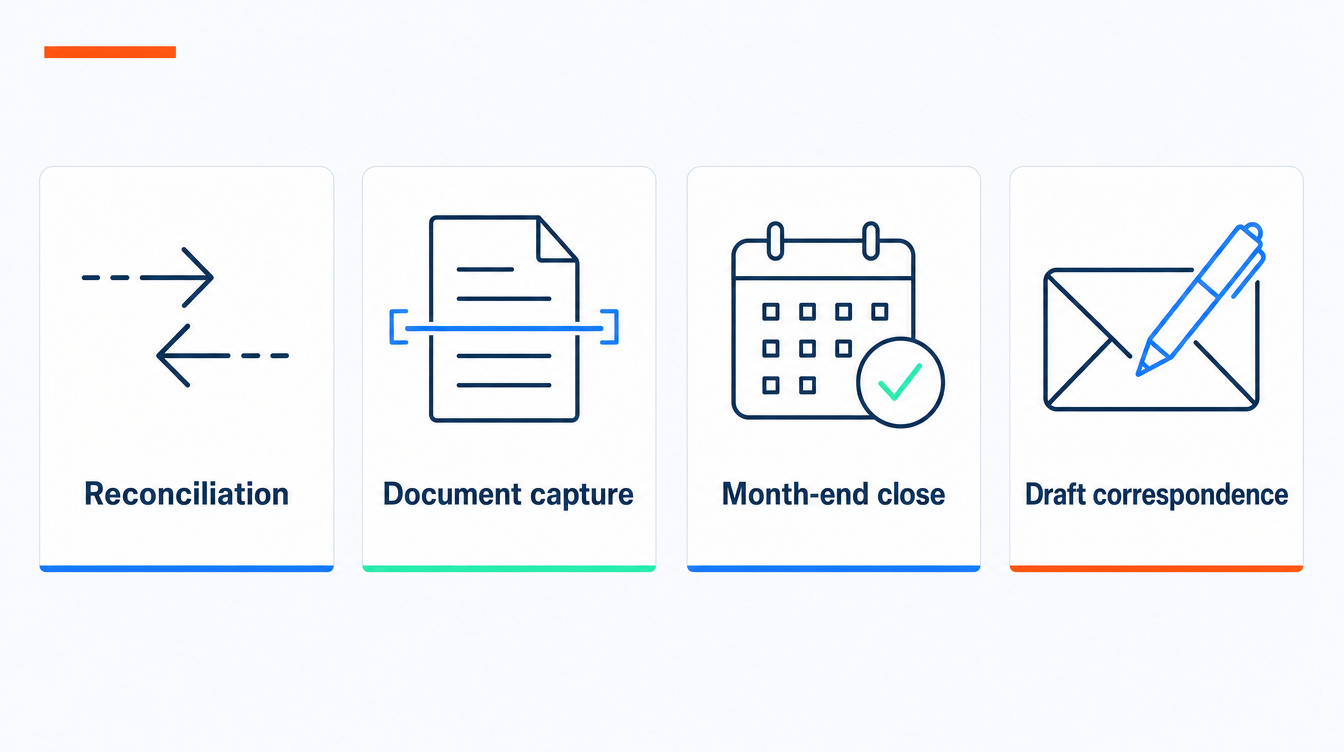
AI helps UK accountants most on the repetitive, high-volume parts of practice work: bookkeeping and reconciliation, document capture, month-end close, first-draft correspondence, and preparing standard returns. Xero's research with Cebr found 98% of UK practices now use AI in some way, and 46% report measurable productivity gains (Xero, Nov 2025). The value is in freeing chargeable time, not replacing professional judgement.
At Softblues, an AI implementation firm working with regulated mid-market firms across the UK and Ireland, we help practices decide which of these use cases is worth automating first. Here are seven, with an honest note on where the human has to stay.
Key facts
- 98% of UK practices use AI in some way for day-to-day tasks; about 47% use it at least weekly (Xero/Cebr, Aug 2025 survey).
- AI adoption added an estimated £338 million to sector profitability and £1.6 billion in gross value added to the wider UK economy (Xero, Nov 2025).
- Making Tax Digital for Income Tax starts 6 April 2026 for sole traders and landlords with qualifying income over £50,000, dropping to £30,000 in 2027 and £20,000 in 2028 (GOV.UK).
- The best first candidates are repetitive and rules-based: reconciliation, data capture, close checklists, standard correspondence.
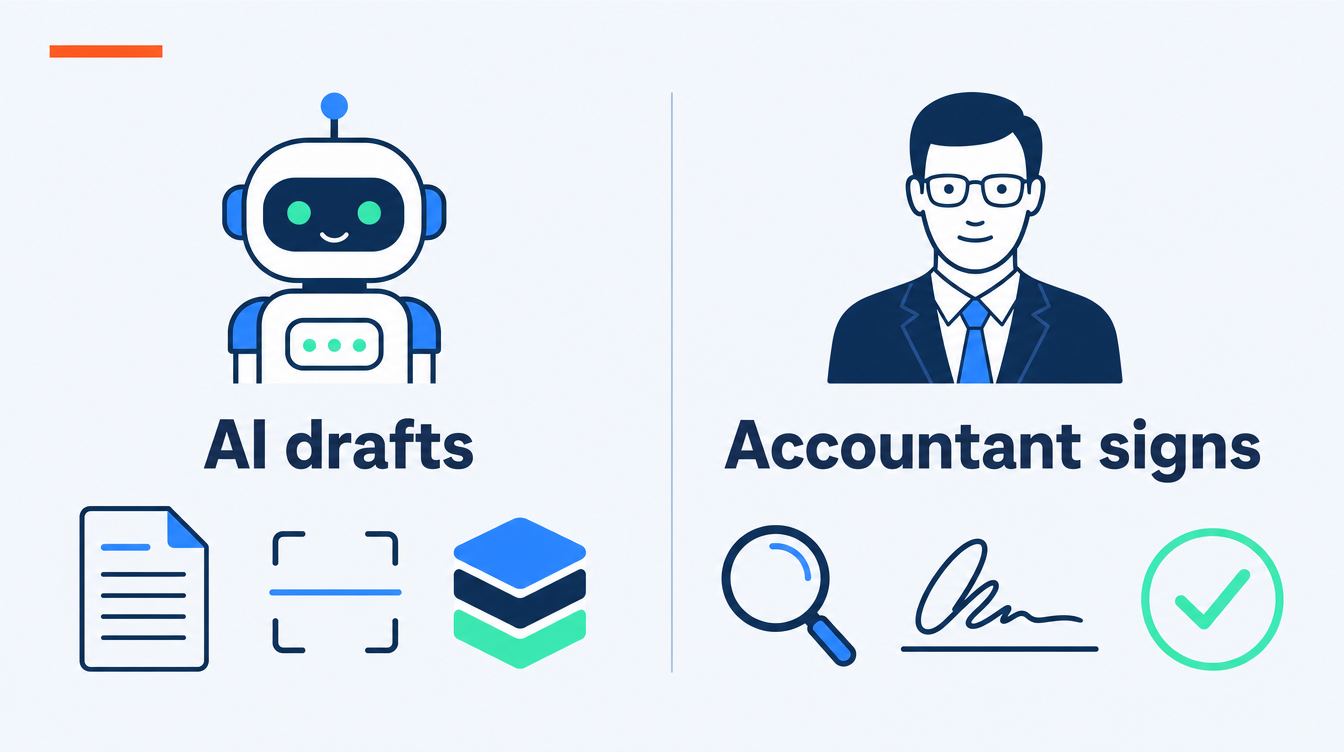
- AI drafts; a qualified person reviews and signs off. Filing, advice and judgement stay human.
- Client data in AI tools is covered by UK GDPR and the ICO: pick tools that keep data in your control.
Who this is for, and who it isn't
This is for a partner or practice manager at a UK or Ireland accountancy or bookkeeping firm, roughly 5 to 200 people, deciding where AI actually earns its fee. If you are a sole practitioner wanting a single off-the-shelf tool, most of the platforms below have that built in and you may not need a project. If you run a larger multi-office practice, the same use cases apply but the work is integration and governance, not tool choice.
1. Bookkeeping and bank reconciliation
The highest-volume, lowest-judgement task in the building, and the one AI handles best. Modern platforms suggest matches, learn your coding rules, and flag only the transactions that need a human eye. This is where most practices see their first real time saving, and it compounds because every client ledger benefits.
2. Document capture and data extraction
Invoices, receipts, bank statements and supplier documents arrive in every format imaginable. AI extraction reads them, pulls the figures, and posts structured data into your ledger, replacing manual keying. This is also the backbone of Making Tax Digital compliance, since it turns paper and PDFs into the digital records HMRC now requires. We covered the mechanics in automated invoice processing for mid-market finance teams.
3. Month-end and management reporting
Close is a checklist problem, and checklists are where AI earns time back. It can chase missing items, draft accruals and prepayments from prior patterns, reconcile control accounts, and assemble a first-draft variance commentary for the accountant to challenge. The reviewer still owns the numbers; the machine removes the assembly. Our month-end close automation checklist walks through the sequence.
4. Drafting client correspondence and queries
Chasing records, explaining a tax point, summarising a set of accounts for a client meeting: these are the standard letters and emails that eat a working week. AI drafts these from your templates and the client's data, and the accountant edits and sends. It is a quiet saving that shows up across the whole practice rather than in one task.
5. Preparing standard tax returns
For straightforward personal and corporate returns, AI can assemble the figures, apply the obvious treatments, and produce a first draft for review. The word that matters is standard. Anything with a judgement call, such as a contentious deduction or an unusual disposal, needs the professional, and the filing itself is always a human decision. Treat AI as the junior who does the first pass, not the signatory.
6. Research and staying current
Tax and reporting rules change constantly. AI research assistants can summarise legislation, HMRC guidance and standards, and point to the source, which is useful for a first orientation. Always verify against the primary source before you rely on it, because a confident wrong answer in tax is expensive. This is an accelerator for a qualified reader, not a substitute for one.
7. Advisory and forecasting support
The work practices actually want to grow. AI can build cash-flow scenarios, model the effect of a decision, and turn a client's numbers into plain-English options for a conversation. The judgement, the relationship and the recommendation stay with the accountant; AI does the modelling grind that used to make advisory uneconomic on smaller clients.
Off-the-shelf tools vs a custom build
| Approach | Best for | Watch out for |
|---|---|---|
| Platform features (Xero, Sage, QuickBooks AI) | Reconciliation, capture, standard workflows | You get what the vendor built; limited to their data model |
| Point AI tools (bolt-on assistants) | A single task, quick wins | Another subscription and another data path to govern |
| Custom AI on your systems | Cross-tool workflows, your own templates and rules | Needs clean data and a partner who knows practice work |
Most firms start with the AI already inside their ledger software, then commission a custom build only where a cross-system workflow, say capture to close to reporting, is worth connecting. Be honest about which problem you have before you buy.
To put a number on one of these jobs in your practice, use our process automation ROI calculator.
What Making Tax Digital changes
Governance: what to keep human, and what the regulators expect
AI in an accountancy practice touches client money data, so treat it as you would any processor. Under UK GDPR and ICO guidance you remain the controller: know where the data goes, keep it in tools you control, and do not paste client data into consumer chatbots. Professional standards from the ICAEW, ACCA or your body still apply to the output regardless of how it was produced. The rule we give every client is simple: AI can draft, extract and assemble; a qualified person reviews, decides and signs.
 For a worked view of AI review in a regulated finance setting, see our anonymised compliance file-review automation for financial advice. It is a discovery and design piece, not a claimed live deployment.
Frequently asked questions
What is the best AI tool for accountants in the UK?
There is no single best tool. Most practices start with the AI built into their ledger software (Xero, Sage or QuickBooks) for reconciliation and capture, then add a point tool or a custom build for a specific cross-system workflow. Choose by the task you want to automate, not by the brand.Will AI replace accountants?
No. AI is strong at repetitive assembly such as reconciliation and capture, and weak at judgement and accountability. It shifts the work toward review and advisory, which is where practice value sits. The signatory is always human.Is it safe to put client data into AI tools?
Only in tools where you control the data and understand where it is processed, in line with UK GDPR and ICO guidance. Never paste client data into a consumer chatbot. Business-grade tools with clear data handling are the baseline.How does AI help with Making Tax Digital?
MTD for Income Tax requires digital records and quarterly updates from April 2026. AI-assisted document capture and reconciliation turn paper and PDFs into the digital records HMRC expects, and cut the manual work of quarterly reporting.Where should a practice start?
With bank reconciliation and document capture. They are high-volume, low-judgement and measurable, and they carry little risk, so they are the clearest place to prove a time saving before extending AI into close, correspondence or advisory.Do we need a custom build, or are the platform features enough?
For most single-task automation, the features in your ledger software are enough. A custom build makes sense when you want to connect several tools into one workflow, or apply your own templates and rules the platforms do not support.Where Softblues fits
We are Certified in the Claude Partner Network and a Google Cloud partner at Services Select tier, and we implement AI for regulated firms the practitioner way: automate the repetitive parts, keep the qualified person in the loop, and prove the time saving before we widen. If you want to work out which use case pays back first for your practice, read our related guides on month-end close automation and automated invoice processing, or see how we approach business process automation.
Work out your numbers
One key process
Process automation ROI calculator
Five questions about one process. See the hours an AI agent frees up, what they are worth and how much becomes profit.
Work out your numbersYour whole firm
AI ROI calculator
Five questions about your firm. See the time AI frees up, what it is worth and when it pays for itself.
Work out your numbers
Free. No sign-up. Your answers stay in your browser.
See it in production
Systems we have built and run for clients, with the numbers that came out of them.
Related Articles
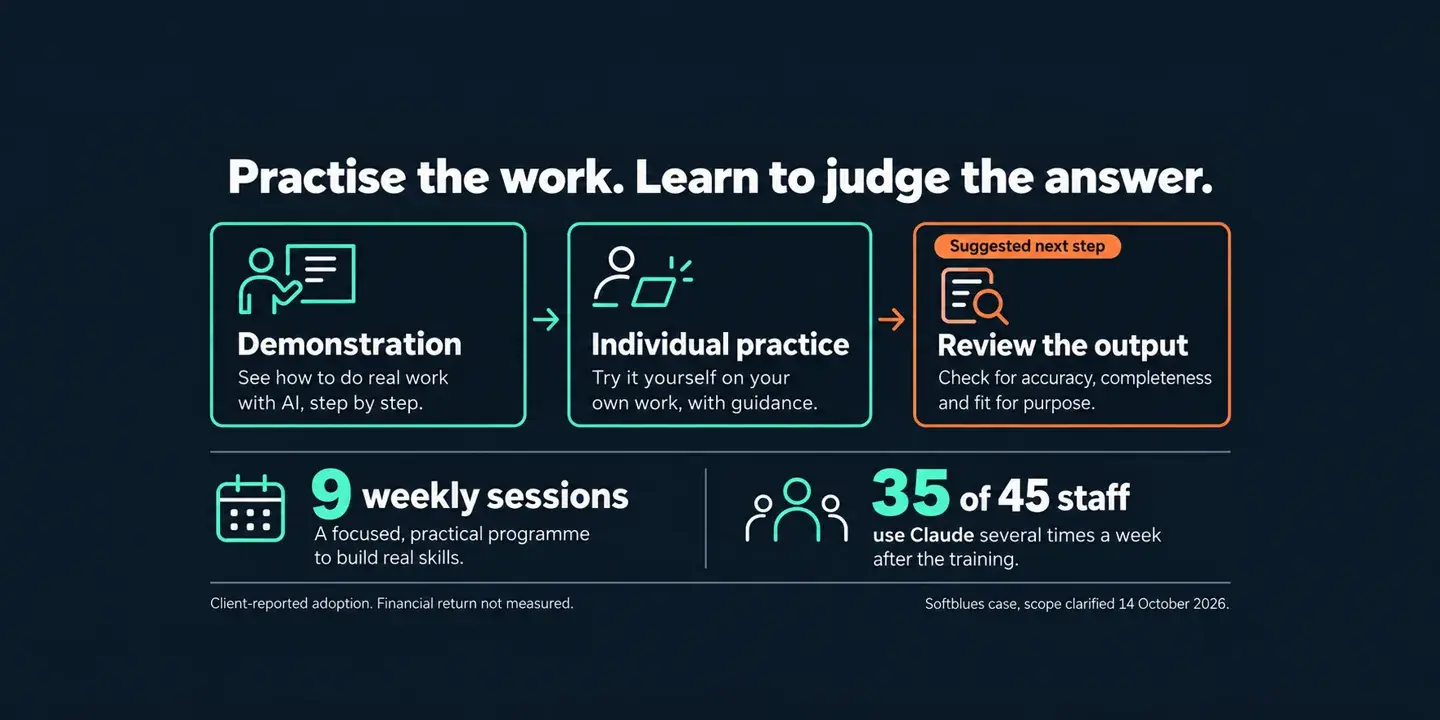
Claude for business: training staff on their own work

AI for Logistics and Supply Chain Operations: Where UK Mid-Market Teams Start