
AI Document Processing and Workflow Automation for Finance and Legal Ops
Businesses lose up to 21.3% of productivity to document problems. Here is where AI document processing and workflow automation pays back first in mid-market finance and legal ops, and how to scope a first project.
By Ivan Pylypchuk (opens in a new tab), CEO of Softblues
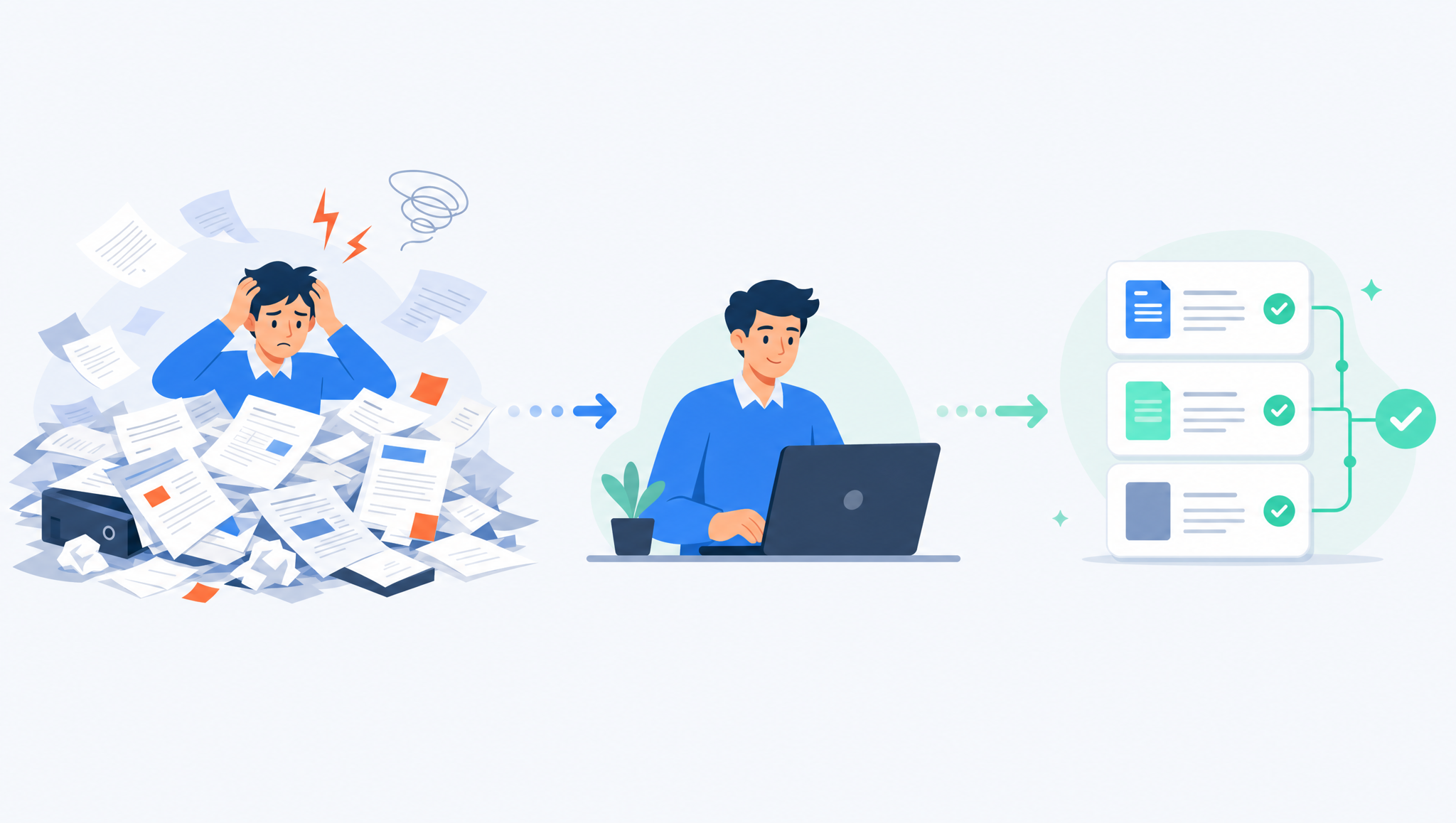
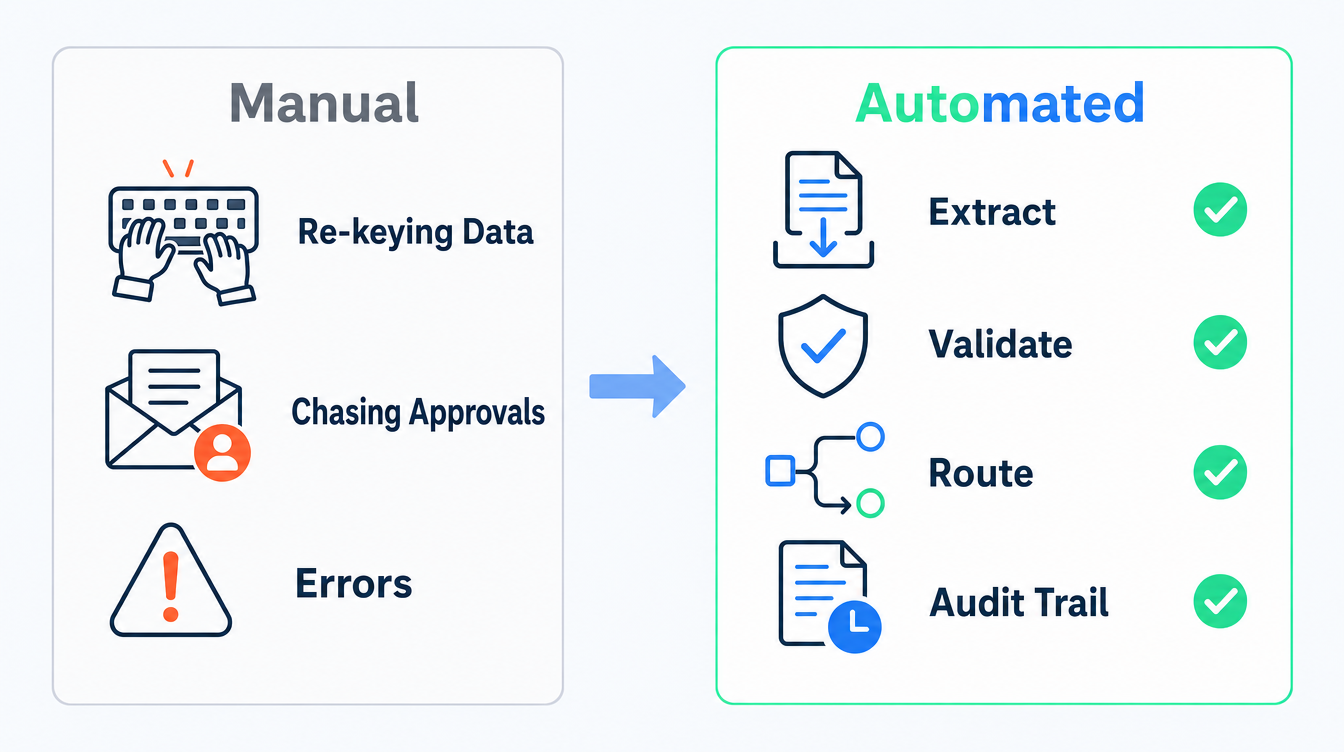
Businesses lose up to 21.3% of productivity to document-related problems: finding files, re-keying data, chasing approvals and fixing the errors that creep in along the way (IDC, via M-Files). For a finance or legal operations team that lives in invoice packs, supplier contracts and compliance files, that lost fifth of the week is not an abstraction. It is a person who spends Monday morning working out which version of an MSA is current, and an accounts payable clerk who keys the same invoice twice.
Document processing is where mid-market automation usually pays back first, because the work is high-volume, rules-heavy and already digital. This guide covers what "AI document processing and workflow automation" actually means for finance and legal ops, where it earns its keep, and how to scope a first project without over-buying.
Key facts
- Up to 21.3% of business productivity is lost to document-related challenges (IDC).
- Processing a single invoice by hand costs a median of around $10 at top-quartile finance teams and $20 or more at the median, rising past $40 in smaller or heavily manual operations (APQC / Ardent Partners AP Metrics That Matter, 2025).
- Knowledge workers spend roughly 1.8 hours a day (about 9.3 hours a week) searching for and gathering information (McKinsey Global Institute).
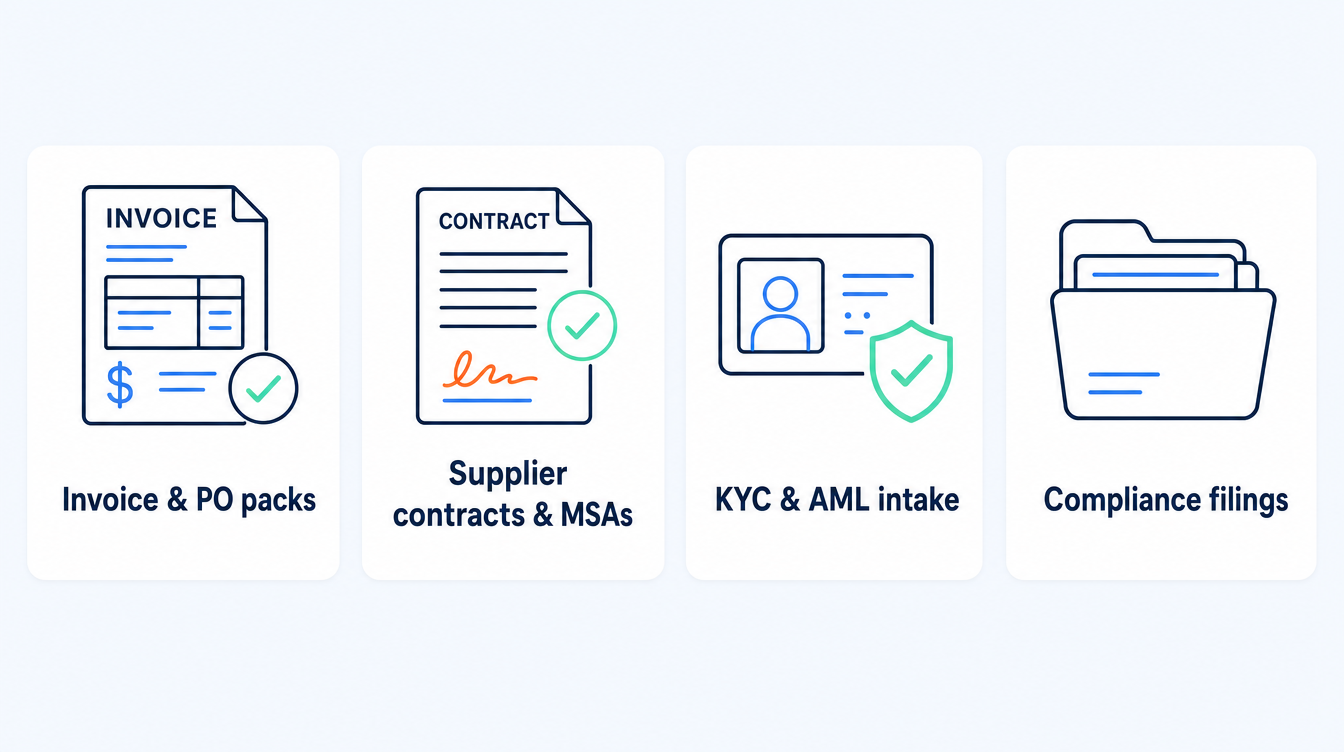
- The document types that automate cleanly in mid-market ops: invoice packs, purchase orders, supplier contracts, NDAs and MSAs, KYC/AML packs, and compliance filings.
- What AI adds over older OCR: it reads unstructured and inconsistent layouts, extracts fields with context, and routes to the right person, with a human check kept on anything that carries risk.
What is AI document processing and workflow automation?
Two things get bundled under one label, so it helps to separate them.
Document processing is turning a document into structured, usable data: reading a scanned invoice or a signed contract and pulling out the vendor, the amounts, the dates, the clauses and the obligations. Traditional optical character recognition (OCR) handles clean, fixed templates. Modern AI models read documents that vary in layout, quality and wording, which is most of what a real finance or legal team receives.
Workflow automation is what happens next: validating the extracted data against your systems, routing it for approval, flagging exceptions, filing it, and leaving an audit trail. The document is the input; the workflow is where the time and the risk actually sit.
Where does it pay back first in finance and legal ops?
Not every document is worth automating. The ones that pay back share three traits: they arrive in volume, they follow rules you can write down, and a mistake is expensive or slow to fix.
Invoice and purchase-order processing. High volume, repetitive, and expensive per unit when done by hand. Extraction plus three-way matching against the PO and receipt removes most of the keying and catches duplicates before they are paid.
Supplier contracts, NDAs and MSAs. The pain is not signing them, it is knowing what is in them: renewal dates, liability caps, data-processing terms, notice periods. AI can extract these into a register so nothing auto-renews unnoticed and legal can answer "what do our contracts say about X" in minutes.
KYC/AML and client-intake packs. Regulated onboarding is document-heavy and deadline-bound. Automating extraction and completeness checks shortens intake and gives compliance a clean audit trail.
Compliance and due-diligence filing. Sorting, classifying and cross-referencing large document sets is slow and error-prone manually, and well suited to a first-pass AI review with a human sign-off.
We took this approach in a compliance file-review automation for a financial-advice firm, an anonymised discovery engagement that scoped monthly file review as an AI first pass with a human reviewer on every decision. It is a proposal-stage design rather than a live production result, but it shows the shape: extract, check against the rules, surface exceptions, keep the human on the risk.
Our process automation ROI calculator shows what an agent on document checks frees up, and when it pays for itself.
AI document processing vs. the alternatives
Most teams are choosing between three things, not one.
| Approach | Best for | Watch out for |
|---|---|---|
| Template OCR / RPA | High-volume, fixed-layout documents from one supplier | Breaks when layouts change; brittle rules; heavy maintenance |
| Off-the-shelf SaaS extraction tool | A single, common document type (e.g. invoices only) | Rigid schema; hard to fit your approval flow, systems and audit needs |
| AI document workflow (custom) | Mixed, messy document types across a real end-to-end process | Needs scoping and a human-in-the-loop design; not a weekend build |
The honest read: if you only process one clean document type, a good SaaS tool is often the right call. If you are dealing with varied layouts, several document types and an approval flow that touches your ledger, contract register or compliance log, a workflow built on modern AI models tends to fit the process rather than forcing the process to fit the tool.
How to scope a first document-automation project
1. Pick one document type and one flow. Not "all our documents." One: supplier invoices, or new-client KYC packs. A tight scope is what makes a first project shippable and measurable.
2. Baseline the current cost. Count the volume per month, the minutes per document, the error and rework rate, and the cycle time from arrival to done. This is the number automation has to beat, and the number that justifies the next project.
3. Design the human-in-the-loop check. Decide up front what the AI does unaided, what a person must confirm, and what always escalates. In regulated finance and legal work, a human stays on anything that carries liability.
4. Build the audit trail in from day one. Every extraction, decision and approval should be logged: who or what did it, when, and on what evidence. This is not optional in regulated operations.
5. Measure against the baseline, then expand. Prove the payback on one flow before you widen it. The proof from the first project funds the second.
Red flags when buying document automation
- "Fully autonomous, no human needed." In regulated finance and legal work, that is a compliance risk, not a feature.
- A demo on a perfect document. Ask to see it on your worst scan, your oddest layout and your longest contract.
- No exception handling. Real document sets are 80% clean and 20% awkward. If the tool has no plan for the awkward 20%, you have bought a new manual queue.
- No audit trail. If you cannot show who approved what and why, it will not survive an audit.
- Priced per document with no cap. Model the cost at your real annual volume before you sign.
Frequently asked questions
Is this the same as legal document assembly?
No. Document assembly generates new documents from templates. This is about processing the documents you already receive: reading them, extracting the data, and moving them through a workflow. Mid-market finance and legal ops usually need the latter first.
Do we need to replace our existing finance or contract systems?
Usually not. Good document automation connects to the systems you already run, feeding clean data into your ledger, contract register or compliance log rather than replacing them.
How accurate is AI extraction on messy documents?
Modern models handle varied layouts far better than template OCR, but accuracy depends on document quality and how well the flow is designed. That is exactly why a human-in-the-loop check on high-risk fields is part of a proper design, not an add-on.
Is it safe for regulated data?
It can be, if it is built that way: appropriate data handling, access controls, retention rules and a full audit trail. Screen any vendor on where data is processed and how it is retained before you share real documents.
How long does a first project take?
A well-scoped single flow is a matter of weeks, not quarters, precisely because the scope is narrow. Expanding across document types is what takes longer.
Where should a mid-market team start?
With the highest-volume, most rules-based document you handle, usually invoices or a regulated intake pack. Related reading: automated invoice processing for mid-market finance teams and month-end close automation.
Softblues builds document and workflow automation for mid-market finance and legal operations: we are practitioners, Certified in the Claude Partner Network and a Google Cloud partner at Services Select tier, and we design for a human-in-the-loop and a clean audit trail from the start. You can see how we approach this on our business automation page.
If you want to work out which document flow would pay back first in your operation, book a discovery call.
Work out your numbers
One key process
Process automation ROI calculator
Five questions about one process. See the hours an AI agent frees up, what they are worth and how much becomes profit.
Work out your numbersYour whole firm
AI ROI calculator
Five questions about your firm. See the time AI frees up, what it is worth and when it pays for itself.
Work out your numbers
Free. No sign-up. Your answers stay in your browser.
See it in production
Systems we have built and run for clients, with the numbers that came out of them.
Related Articles
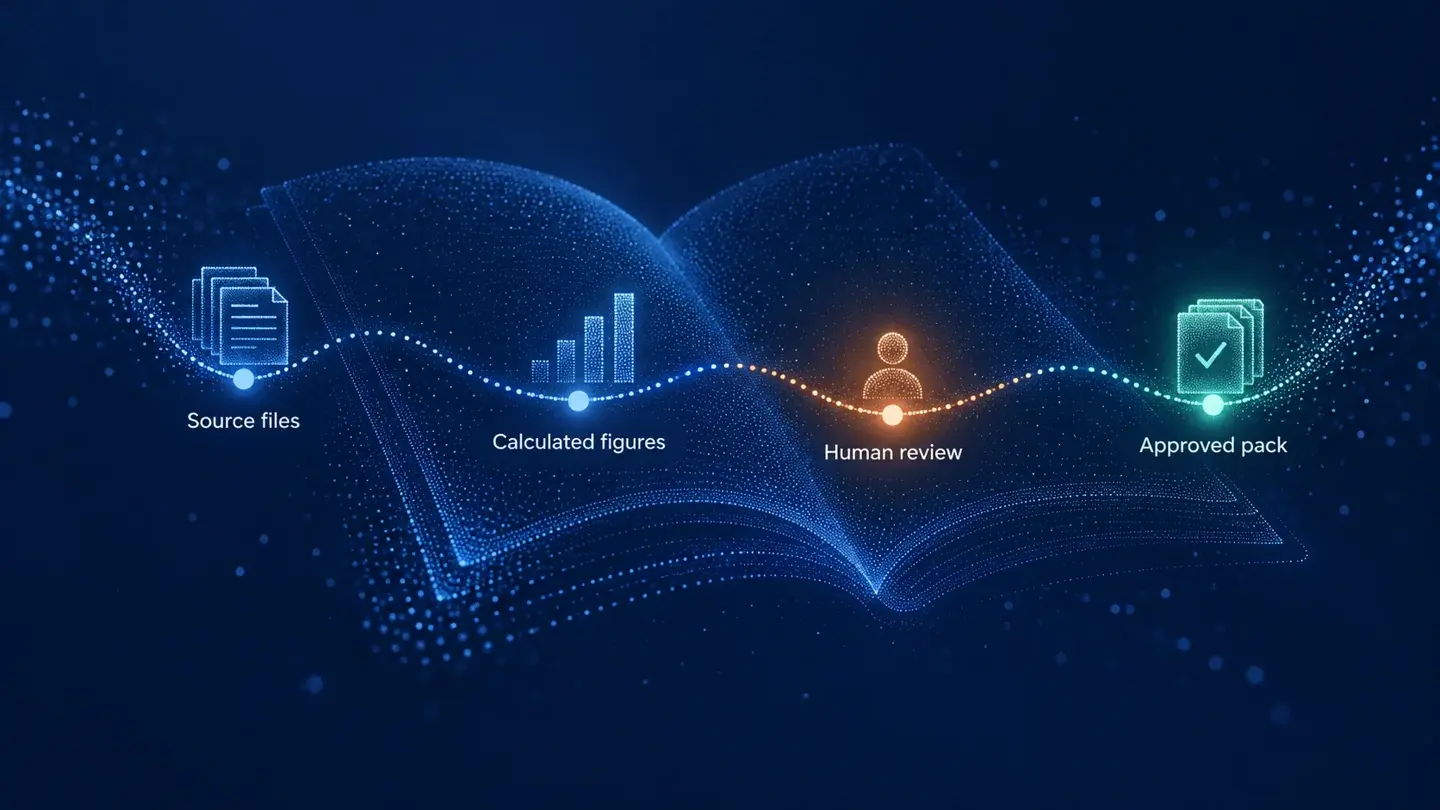
Claude in Excel for the month-end pack: what AI prepares and finance signs

AI meeting notes: the client file workflow for UK firms