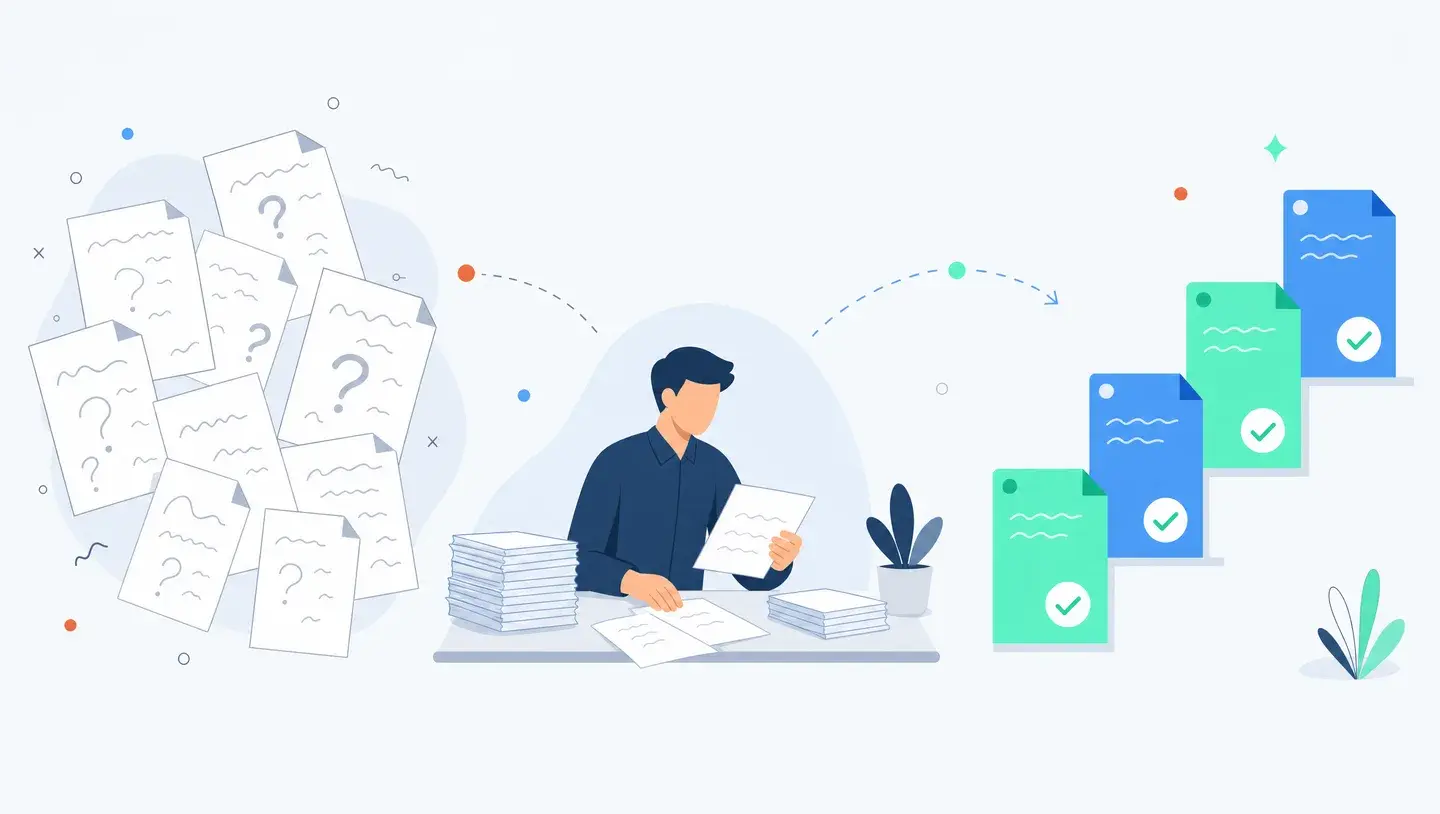
Build a Policy and Handbook Q&A Assistant With Claude
Staff lose about 9.3 hours a week hunting for information. A grounded policy assistant answers handbook questions from your own documents, with citations. Here is how to build one.
By Ivan Pylypchuk (opens in a new tab), CEO of Softblues. Has led Claude and Gemini implementations for finance, legal and healthcare teams across the UK and Ireland.
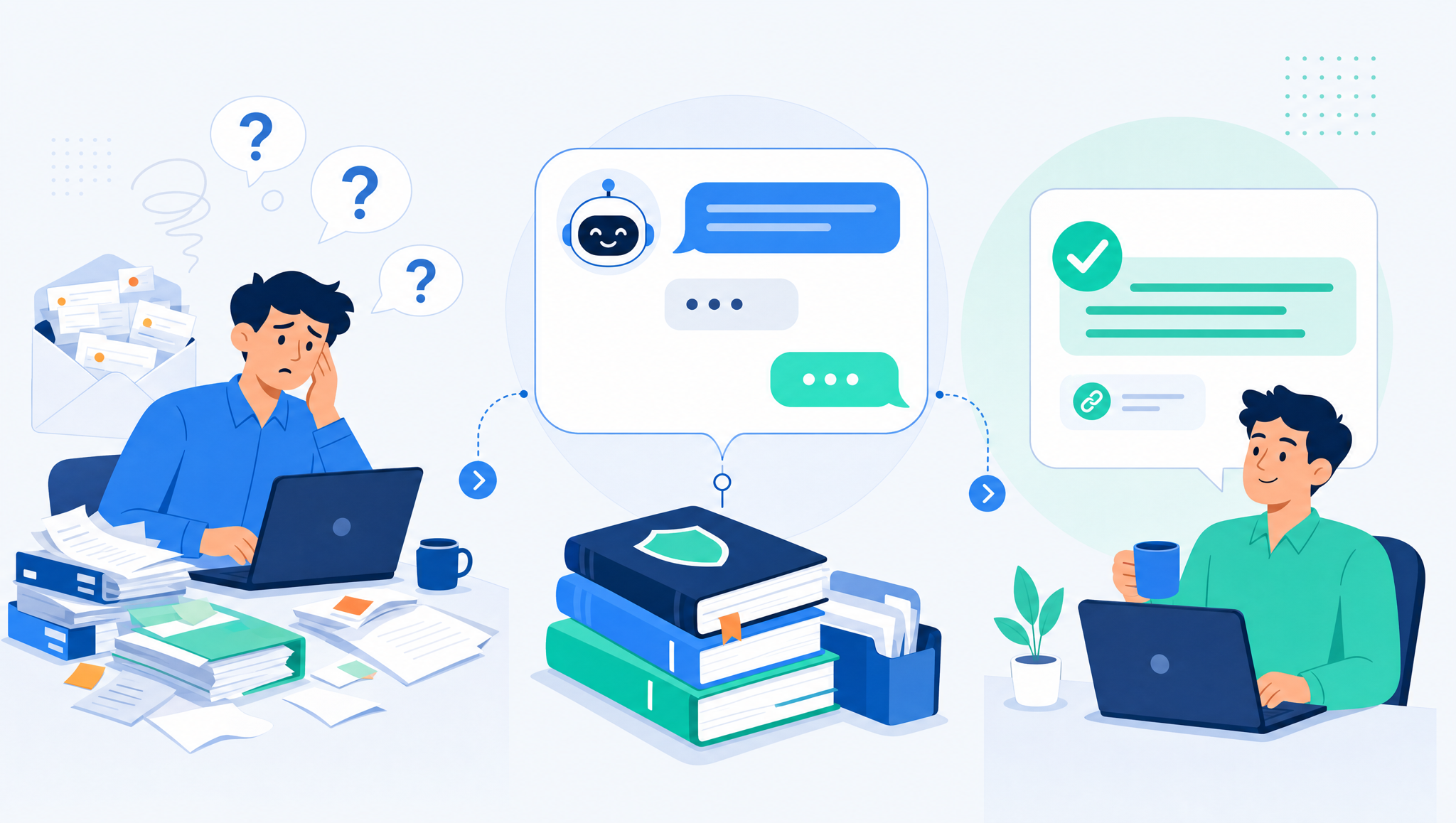
A policy and handbook Q&A assistant is an internal AI tool that answers staff questions about your own handbook, HR policies and IT procedures. It reads your actual documents, replies in plain language, and cites the exact policy it drew from. Employees stop guessing or emailing HR; HR and IT stop answering the same questions every week.
At Softblues, a firm putting Claude into production for regulated mid-market companies across the UK and Ireland, this is one of the first tools we build for a client, because it pays back fast and teaches a whole company how to work with AI safely. This guide walks through what it is, how it works, and how to build one that quotes your policies rather than making things up.
Key facts
- Knowledge workers spend an estimated 1.8 hours a day, about 9.3 hours a week, searching for and gathering information, according to a much-cited McKinsey Global Institute analysis (via Valamis). A chunk of that is people hunting for answers that already exist in a policy document.
- A policy assistant uses retrieval (often called RAG): it finds the relevant passage in your documents and answers from it, with a citation, instead of relying on the model's general knowledge.
- Best source material to start with: the employee handbook, leave and expenses policies, IT and security policies, and onboarding FAQs. Structured, high-traffic, low-risk.
- Permissions are not optional. Not every employee should see every policy. The assistant must respect who can read what.
- Where it must escalate: edge-case rulings, disciplinary questions, and anything that needs an HR or legal decision go to a person, not the bot.
- A first version can be live in a few weeks using Claude Enterprise or Projects, because you are grounding it in documents you already have.
Who this is for, and who it isn't
This is for a Head of HR, Head of IT or Head of Operations at a 50-to-500-person firm where the same questions arrive on repeat: how much holiday do I have left, what's the expenses limit, what's the policy on remote working, how do I request access to a system. If your team is the human search engine for company policy, a Q&A assistant gives that time back.
It is not for a company with no written policies to point at, or one hoping AI will invent HR rulings on its behalf. The assistant answers from your documents. If a policy does not exist, the honest answer is "this isn't covered, ask HR", and that is exactly what a good assistant should say.
What is a policy and handbook Q&A assistant?
It is a chat interface, usually inside a tool your staff already use such as Slack, Teams or a web page, that answers questions using your company's own documents as the source of truth. An employee types "how many days of paternity leave am I entitled to?" and the assistant finds the relevant section of the handbook, answers in a sentence or two, and links to the exact policy so the person can check.
The difference from a generic chatbot is grounding. A consumer chatbot answers from what it learned on the open internet, which is wrong for your company and can be confidently made up. A policy assistant is restricted to your content and instructed to say when it does not know. That restriction is the whole point.
How does it actually work?
Through retrieval. Your policies are split into passages and indexed. When someone asks a question, the system finds the most relevant passages, hands them to the model, and the model answers using only those passages, quoting the source. This is why it stays accurate: it is reading your handbook each time, not reciting a memory of it.
| Approach | What it does | Risk |
|---|---|---|
| Generic chatbot (no grounding) | Answers from general training data | Confidently wrong about your policies. Do not use for this. |
| Grounded assistant with citations (RAG) | Answers only from your documents, links the source | Low, and any error is checkable against the cited policy |
| Grounded assistant + permissions | As above, but each person only sees policies they're allowed to | Lowest. The right pattern for HR and security content. |
The middle and bottom rows are what you want. The technology to do this well, including permission-aware retrieval, is available today in Claude Enterprise and similar enterprise tools. The work is less about the model and more about your documents and access rules.
How do you build one? A practical sequence
1. Gather and clean the source documents. Handbook, HR policies, IT and security policies, expenses, leave, onboarding. Remove out-of-date versions. Stale content is the most common cause of wrong answers, and the model cannot tell an old policy from a current one.
2. Decide the permission model. Which policies are open to everyone, and which are restricted (for example, manager-only or department-specific). Map this before you build, because retrofitting permissions later is painful.
3. Ground the assistant in the documents. Load them into a retrieval-backed workspace such as Claude Projects or Claude Enterprise, and instruct the model to answer only from the supplied documents, to cite the source, and to say "this isn't covered, please ask HR" when it cannot find an answer.
4. Set the escalation rules. Define the questions it must not answer definitively: disciplinary matters, individual pay, anything needing a formal HR or legal decision. It hands those to a person.
5. Pilot with one team. Onboarding new starters is a great first audience, because they ask the most policy questions and the stakes are low. Watch the questions it gets wrong and fix the underlying documents.
6. Keep it current. Assign an owner to update the source documents when policies change. A policy assistant is only as accurate as the handbook behind it.
Where should it stop?
The assistant answers what the policy says. It does not decide what should happen in a specific person's case. "What is the sickness absence policy?" is a perfect question for it. "Am I going to be disciplined for this absence?" is not, and it should say so and route the person to HR.
This boundary keeps you on the right side of two things. First, UK GDPR and your ICO obligations: the assistant is handling questions that can reveal personal circumstances, so treat the logs and access with the same care as any HR system, and check the arrangement against the ICO's guidance on AI and data protection. Second, basic fairness: employment decisions are made by people who are accountable for them, not by a tool.
What does this look like in practice?
We built exactly this pattern inside our own company before we sold it to anyone. Our staff ask an internal assistant about our processes, policies and past decisions, and it answers from our real documents. Running our own company on Claude is how we learned where these assistants help and where they need guardrails, which is why we can build one for a client quickly. You can read the write-up in our Claude operating system case study. It also sits inside a broader picture of where automation pays back first for mid-market operations, and the setup work overlaps heavily with our Claude Enterprise implementation checklist.
Frequently asked questions
Will the assistant make up answers?
Not if it is built correctly. A grounded assistant answers only from your documents and cites the source, and is instructed to say when something is not covered. The risk of invented answers comes from ungrounded generic chatbots, which is why you do not use one for this.
Which documents should we start with?
The employee handbook and the highest-traffic HR and IT policies: leave, expenses, remote working, IT access and security. These generate the most repeat questions and carry low risk, so they are the ideal first content.
How is this different from a search box on our intranet?
Search returns documents; you still have to read them and work out the answer. A policy assistant reads the document for you and gives the answer in a sentence, with a link to the source. It also handles natural, messy questions that keyword search misses.
Does it handle permissions, so people only see what they should?
Yes, if you build it with permission-aware retrieval. This is essential for HR and security content and is supported in enterprise tools such as Claude Enterprise. Map your access rules before you build.
Is our policy data safe?
It can be, with an enterprise arrangement that does not train on your content and with proper control of retention and access. Because the assistant touches personal and sensitive questions, apply the same data-protection care as any HR system and check it against UK GDPR.
How long until it's useful?
A first version grounded in your handbook and core policies can be live in a few weeks. The ongoing work is keeping the documents current, which is what keeps the answers accurate.
A policy and handbook assistant is often the easiest first step in business process automation: the documents already exist, the payback is obvious, and it teaches your whole team to work with AI safely. We build these as fixed-price projects, grounded in your documents and integrated with the tools you already use, as a firm Certified in the Claude Partner Network and a Google Cloud partner at Services Select tier. If your HR or IT team is answering the same questions every week, book a discovery call and we'll scope the first version with you.
Work out your numbers
One key process
Process automation ROI calculator
Five questions about one process. See the hours an AI agent frees up, what they are worth and how much becomes profit.
Work out your numbersYour whole firm
AI ROI calculator
Five questions about your firm. See the time AI frees up, what it is worth and when it pays for itself.
Work out your numbers
Free. No sign-up. Your answers stay in your browser.
See it in production
Systems we have built and run for clients, with the numbers that came out of them.
Related Articles
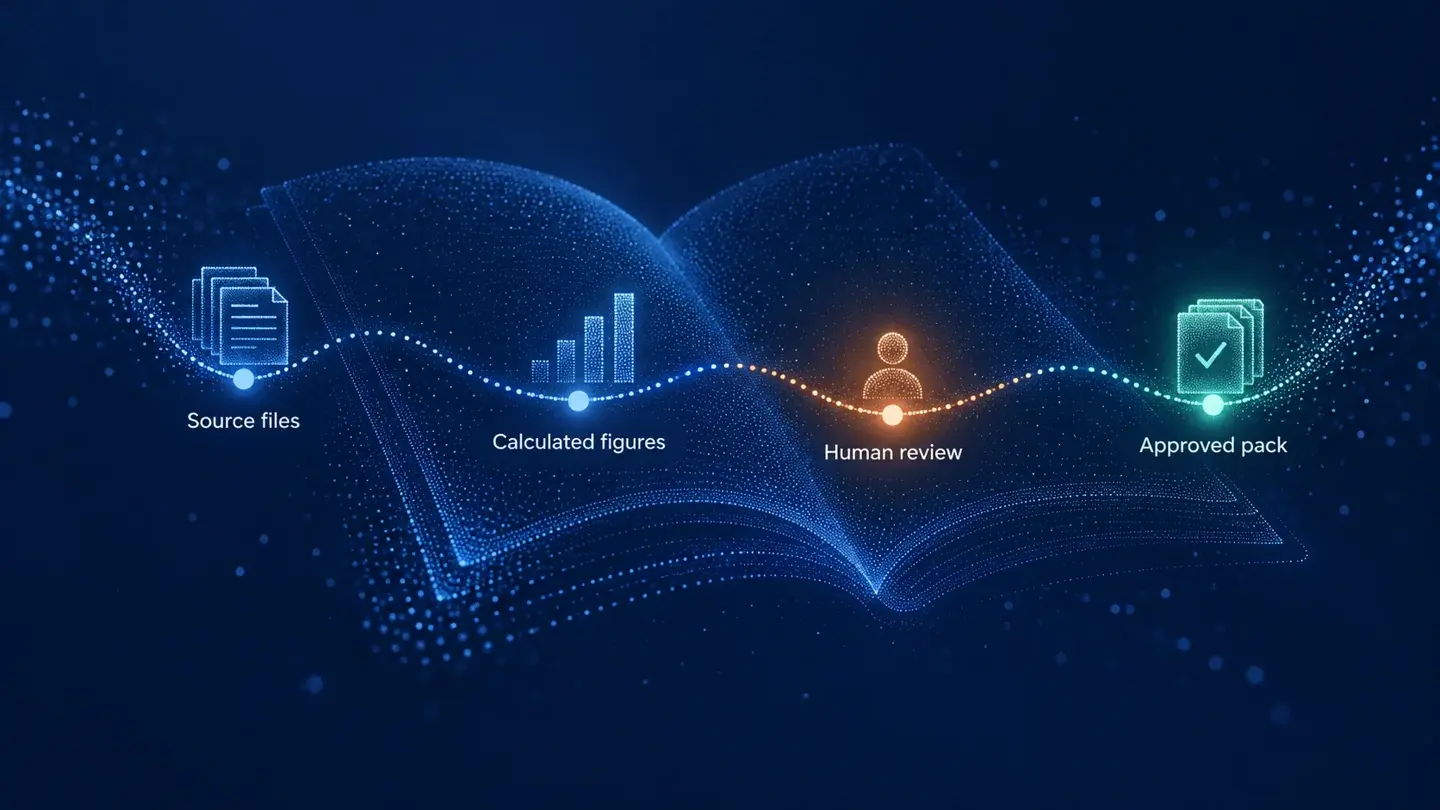
Claude in Excel for the month-end pack: what AI prepares and finance signs

AI meeting notes: the client file workflow for UK firms