
AI Email Triage and Routing: How UK Teams Stop Drowning in Their Inbox
Knowledge workers lose about 28% of the week to email. AI triage reads, sorts and routes every message to the right queue, so your team opens an inbox that is already prioritised rather than a raw pile.
By Ivan Pylypchuk (opens in a new tab), CEO of Softblues
Knowledge workers spend around 28% of the working week reading and answering email, roughly 13 hours out of every 40 (McKinsey Global Institute, The Social Economy, 2012). For a busy operations, customer or claims team, that is not a productivity footnote. It is a whole day, every week, spent deciding which messages matter and where they should go, before any actual work gets done.
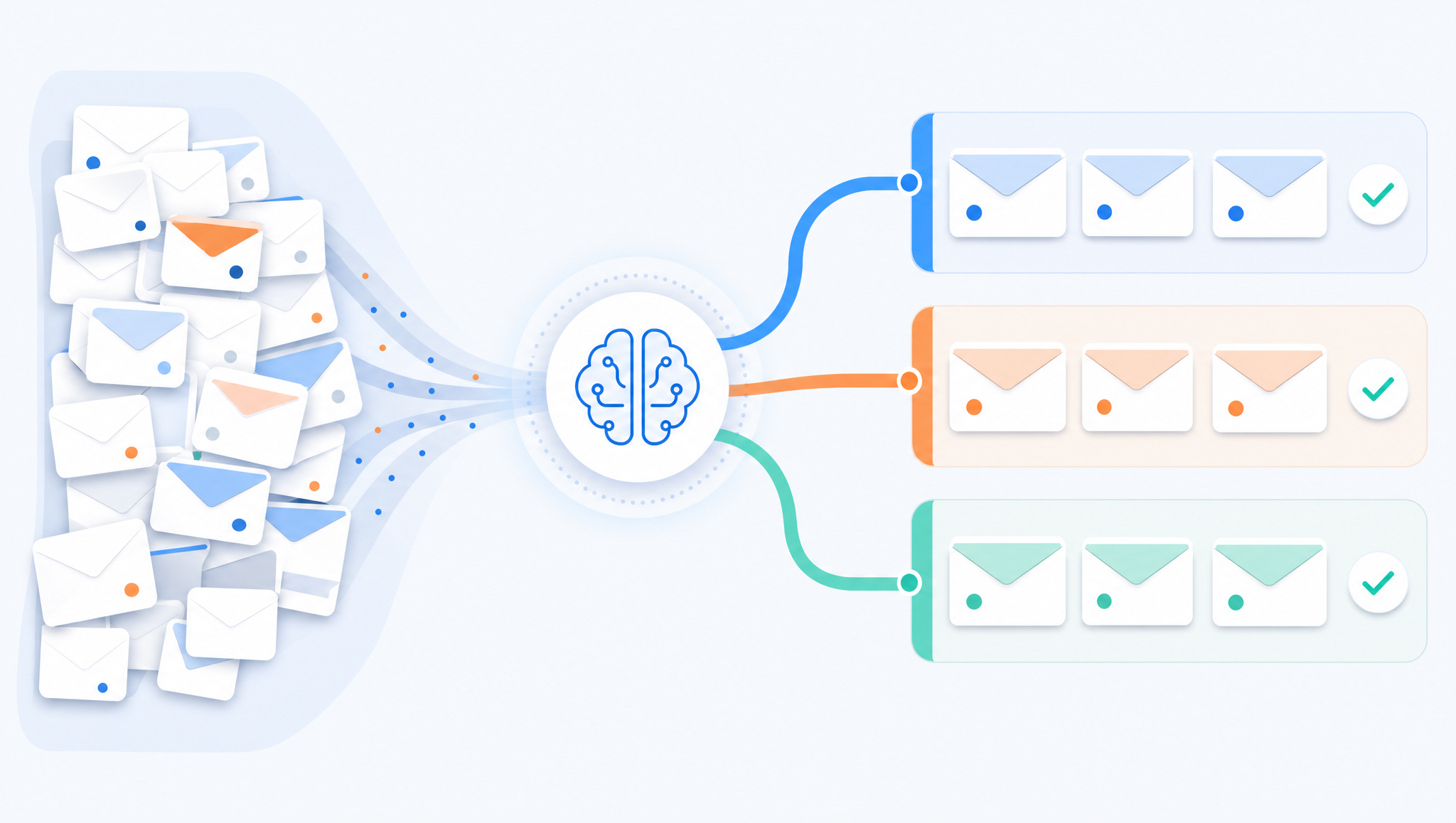
That sorting job is where AI email triage earns its place. It does not write your replies or pretend to be a person. It reads each incoming message, works out what it is about and how urgent it is, then routes it to the right queue, owner or system. It is one of the safest, highest-payback automations a mid-market team can run, because the risk sits in the routing, not in the customer-facing reply.
Key facts
- The cost of manual triage. Knowledge workers spend about 28% of the working week on email: reading, sorting and searching (McKinsey, 2012).
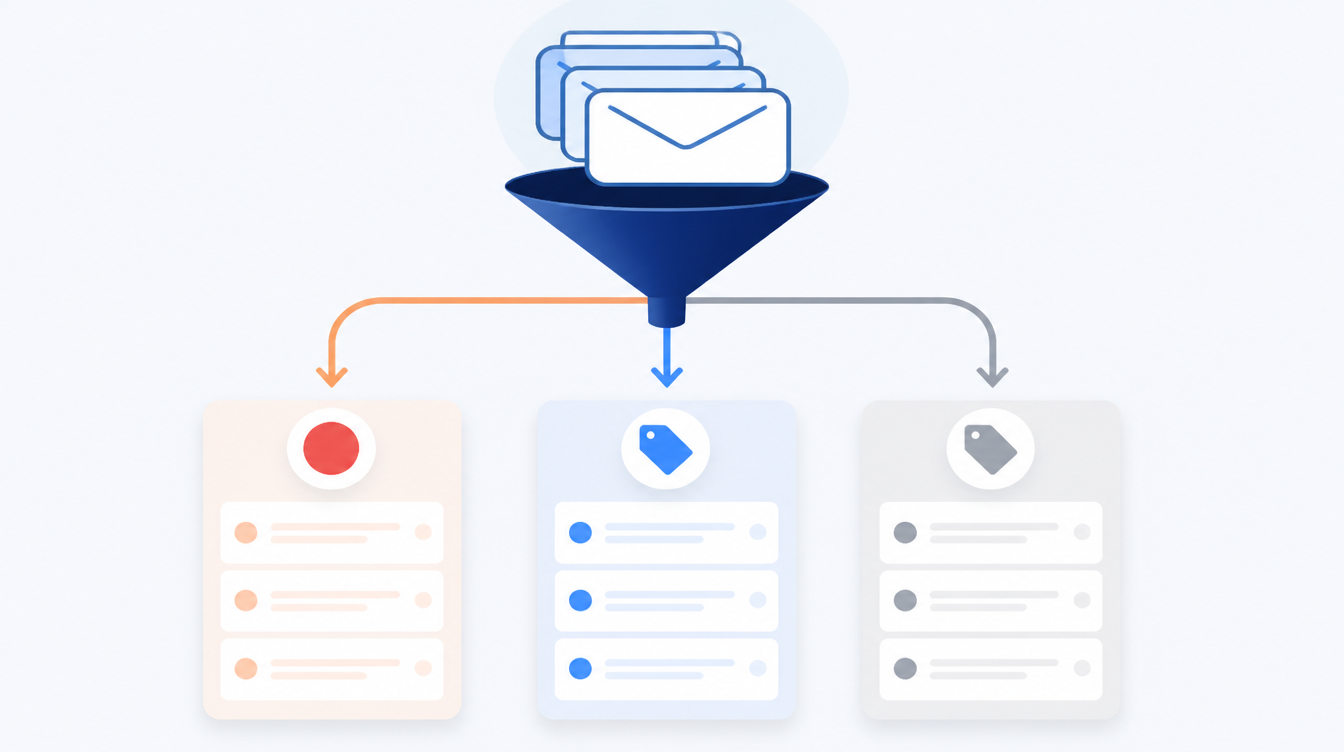
- What AI triage actually does. It classifies each message by topic, intent and urgency, then tags, routes or drafts a holding response. A human still owns the reply.
- Where it fits. Shared inboxes: support@, info@, claims@, bookings@, accounts@. Anywhere a team manually decides "who deals with this".
- What it runs on. A model like Claude reading the message, plus a connector into your mailbox (Microsoft 365 or Google Workspace) and your ticketing or CRM system.
- The main risk. Mis-routing, not a bad reply. You mitigate it with a confidence threshold and a human review lane for anything the model is unsure about.
What does AI email triage actually do?
Triage is the medical word for sorting patients by urgency, and it is the right word here. An AI triage step sits between your shared inbox and your team. For every message that lands, it answers a few practical questions. What is this about? Who is it from? How urgent is it? What should happen next?
In practice that means the model reads the email and produces structured output your systems can act on. A supplier chasing an overdue invoice gets tagged finance / accounts payable / medium and dropped into the finance queue. A customer reporting a broken product gets support / fault / high and creates a ticket with the right priority. A recruiter's cold pitch gets low / no action and skips the human queue entirely.
The team still writes the answers. What changes is that they open a queue that is already sorted, labelled and prioritised, instead of a raw inbox where a refund request sits three rows below a newsletter.
Why route with AI instead of inbox rules?
Most teams already have some rules. Filters that move anything from a domain into a folder, or flag messages containing "urgent". Those work until they don't. Rules match keywords; they do not understand meaning. An email titled "quick question" can be a contract dispute. A message that never says "urgent" can be the most urgent thing in the inbox.
A language model reads the way a person does. It picks up that "I still haven't received the part and my line is down" is a high-priority operational problem, even with no trigger word in sight. It handles messages that span two topics. It copes with the customer who forwards a long thread and adds one line at the top.
The honest trade-off is this. Rules are free, instant and completely predictable, while AI triage costs a little per message and occasionally gets a judgement call wrong. For a low-volume inbox with tidy senders, rules may be all you need. For a high-volume shared inbox where mis-sorting costs real time or a missed SLA, the reading comprehension is worth paying for.
How accurate is it, and what happens when it is wrong?
This is the question that decides whether the project is safe. The answer is a confidence threshold plus a review lane.
Every classification the model makes carries a confidence signal. You set a line. Anything the model is confident about routes automatically, and anything below the line goes to a "needs a human" queue where a person confirms or corrects the routing in a couple of seconds. Those corrections become examples that sharpen the next round.
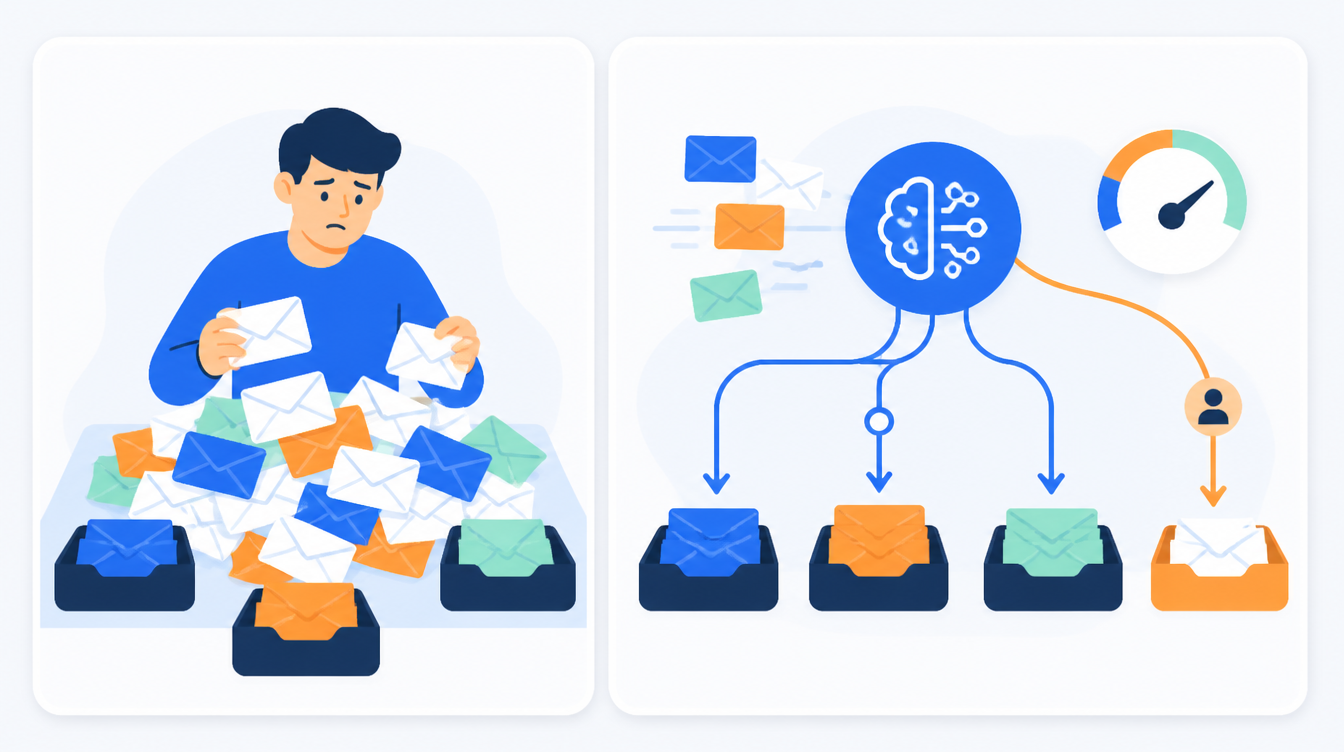
The point is that a wrong routing is cheap and recoverable. A message lands in the wrong queue and gets moved. That is a very different risk profile from an AI sending a wrong answer to a customer, which is why we keep triage and replies separate. Automate the sorting; supervise the speaking.
AI email triage vs the alternatives
| Approach | Setup effort | Handles nuance | Ongoing cost | Best for |
|---|---|---|---|---|
| Manual sorting | None | Yes (it's a person) | High (staff hours) | Very low volume |
| Inbox rules / filters | Low | No (keywords only) | Near zero | Tidy, predictable senders |
| Off-the-shelf helpdesk AI | Medium | Some | Subscription per seat | Standard support inboxes |
| Custom AI triage (Claude + connectors) | Medium | Yes | Per-message model cost | Shared inboxes with mixed, high-stakes traffic |
There is no single right answer. A five-person team with a quiet inbox should not build anything. A 60-person operation losing an SLA because claims sit unsorted for hours has a clear case for custom triage that speaks to the systems it already runs.
How do you set it up without disrupting the inbox?
You do not rewire the mailbox on day one. A sensible rollout looks like this.
1. Shadow mode first. Point the triage step at a copy of the incoming stream and let it classify without routing anything. Compare its labels against how the team actually sorted the same messages. You get a real accuracy read before it touches live traffic.
2. Route the easy, low-risk categories. Turn on automatic routing for the clear-cut buckets first: spam, newsletters, obvious single-topic requests. Leave the ambiguous and high-value ones going to the human queue.
3. Add the review lane. Wire up the confidence threshold so uncertain messages surface for a quick human check rather than being auto-routed. This is the safety valve that lets you expand coverage without fear.
4. Connect the downstream systems. Once routing is trusted, let triage create the ticket, update the CRM record or notify the owner in Slack or Teams, so the sort turns into action, not just a tidier inbox.
We took this same "sort first, then act" approach for a secure-logistics operator, turning inbound order emails into scheduled jobs through a reviewed automation rather than a black box. You can read how that worked in our order-to-schedule automation case study.
What does it cost to run?
The honest answer is that model cost per email is small. You are asking a model to read a short message and return a label, which is one of the cheapest things it does. The real cost is the integration: connecting your mailbox, your ticketing and your CRM so the routing decision turns into a real action, and building the review lane.
That makes it a build-once, benefit-daily automation. The payback is measured against the staff hours currently spent sorting, and against the cost of the messages that slip through the cracks in a manual process. If you want a worked view of how we scope and price this kind of work, our guide on what AI process automation involves lays out the moving parts.
FAQ
Does AI email triage read every email in our mailbox? It reads the messages arriving in the shared inboxes you point it at: support@, info@, claims@ and similar. It is scoped to those queues, not your personal mailbox, and you decide which inboxes are in scope.
Will it reply to customers automatically? Not unless you explicitly turn that on, and we recommend you don't at first. The safe pattern is simple: AI sorts and routes, a human writes the reply. You can add drafted holding responses later, once you trust the routing.
How is this different from the AI already built into Outlook or Gmail? Built-in features focus on your own inbox: summaries, suggested replies, basic categories. Triage is an operational layer over a shared team inbox that classifies by your categories and routes into your ticketing and CRM systems. It is about team workflow, not personal productivity.
What happens to sensitive data in the emails? That is a design decision you control. The messages are processed by whichever model and region you approve, under your data-handling rules. For regulated teams we scope retention, access and logging before anything goes live. It is part of the build, not an afterthought.
How long does it take to stand up? A scoped triage automation for a couple of inboxes is a matter of weeks, not months, especially if your mailbox and ticketing tools have standard connectors. Shadow mode means you see accuracy early rather than waiting for a big-bang launch.
What if the model gets a routing wrong? It goes to the wrong queue and a person moves it, cheap and reversible. The confidence threshold sends anything uncertain to a review lane before that happens, and each correction improves the next classification.
Do we need Claude specifically, or any AI model? The pattern works with several capable models. We tend to use Claude for this because it is strong at following structured instructions and staying inside the categories you give it, which matters when the output has to drive a system rather than just sound plausible.
Softblues builds this kind of automation the way a practitioner would, not the way a slide deck would. We start with your real inbox, prove accuracy in shadow mode, and only automate what has earned trust. As an OpenAI Select Partner, Certified in the Claude Partner Network, we work with the models and connectors you already run.
If a shared inbox is quietly eating a day a week on your team, that is exactly the kind of problem worth an hour of conversation. Book a discovery call. You might also find our walkthrough on turning meeting notes into CRM updates useful. It is the same sort-then-act pattern applied to a different queue.
Work out your numbers
One key process
Process automation ROI calculator
Five questions about one process. See the hours an AI agent frees up, what they are worth and how much becomes profit.
Work out your numbersYour whole firm
AI ROI calculator
Five questions about your firm. See the time AI frees up, what it is worth and when it pays for itself.
Work out your numbers
Free. No sign-up. Your answers stay in your browser.
See it in production
Systems we have built and run for clients, with the numbers that came out of them.
Related Articles
Claude in Excel for the month-end pack: what AI prepares and finance signs

AI meeting notes: the client file workflow for UK firms