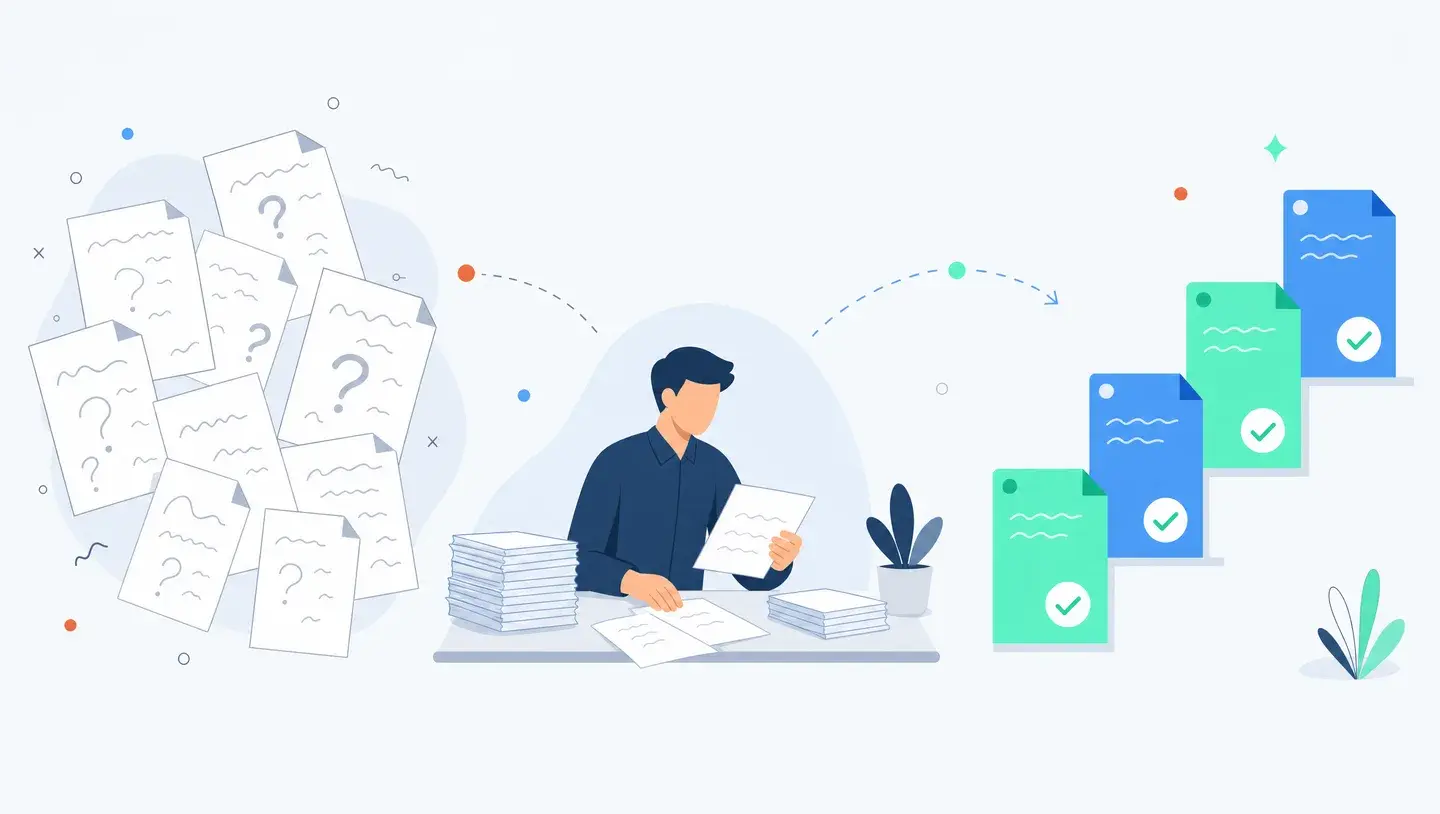
12 Enterprise AI Use Cases Mid-Market Companies Are Deploying in 2026
78% of organisations now use AI in at least one function, but only a third have scaled it. Here are 12 enterprise AI use cases mid-market companies are actually deploying in 2026, sorted by effort and impact.
By Ivan Pylypchuk (opens in a new tab), CEO of Softblues. Has led Claude implementations for finance, legal and healthcare teams across the UK and Ireland.
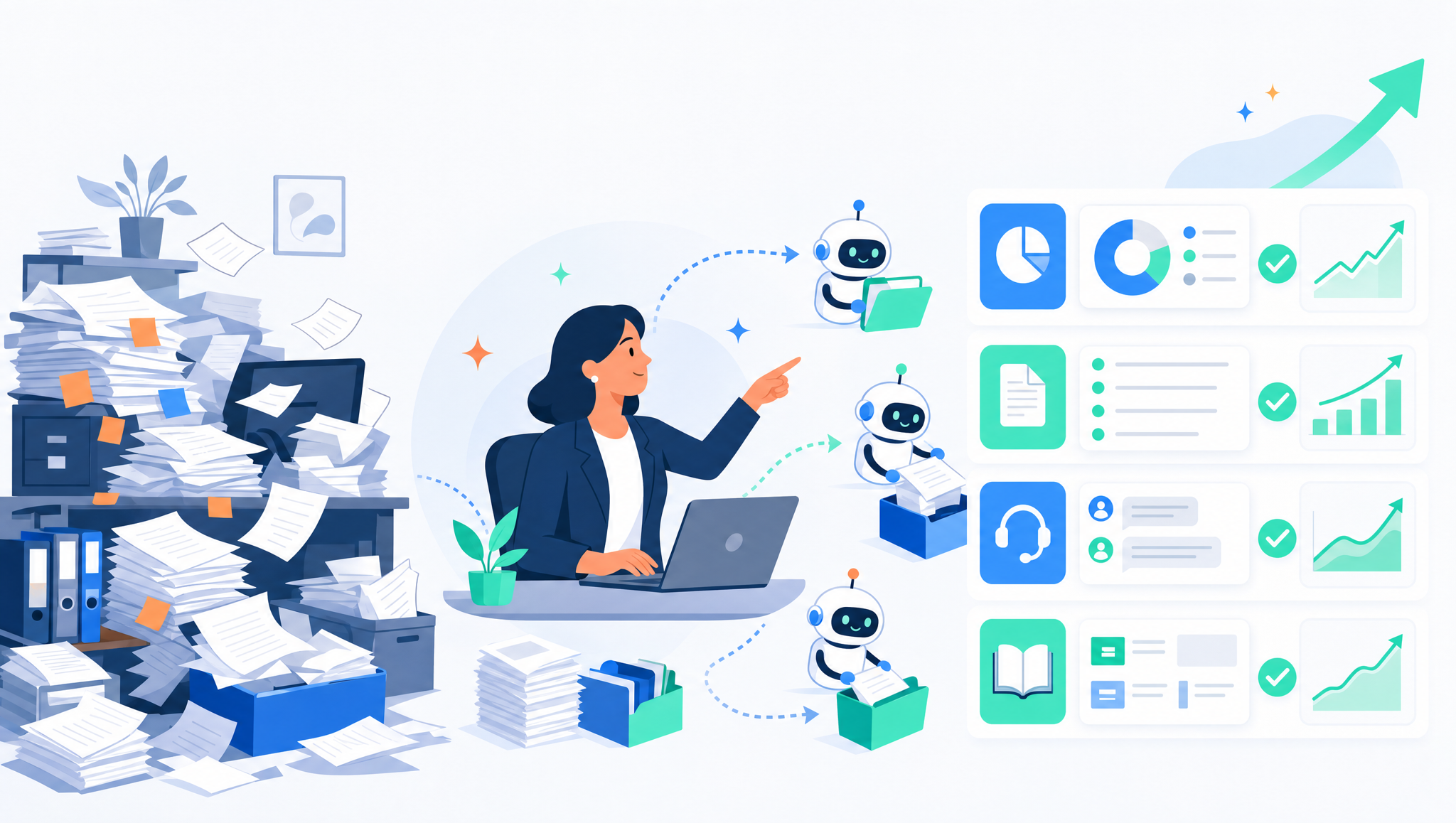
The enterprise AI use cases mid-market companies are actually deploying in 2026 cluster in five areas: finance operations, document and contract processing, customer support, internal knowledge search, and sales and marketing admin. The pattern that ships is always the same: pick a narrow, high-volume, rules-heavy task, keep a person in the loop, and measure hours saved before scaling.
At Softblues, an AI consulting firm working with regulated mid-market companies across the UK and Ireland, we scope these projects most weeks. Below are twelve use cases we see reaching production, sorted so you can tell the quick wins from the long hauls, not a list of everything AI could theoretically do.
Key facts
- 78% of organisations now use AI in at least one business function and 71% regularly use generative AI, but only around one-third have scaled it across the organisation (market: McKinsey State of AI, 2025).
- Gartner expects at least 30% of generative AI projects to be abandoned after proof of concept by the end of 2025 (market: Gartner, July 2024). The use cases that survive are the narrow, measurable ones below.
- The twelve use cases sit across five functions: finance, documents, support, knowledge, and sales and marketing operations.
- The reliable starting point is a task that is high-volume, rules-heavy and low-variation, which means high impact for low effort.
- In regulated sectors a human stays in the loop, and the relevant regulator (FCA, SRA, CQC or the ICO) is named before anything ships.
Who this is for, and who it isn't
This is for an operations, finance or IT leader at a 50 to 500-person UK or Ireland company who has seen the hype and now wants to know where AI genuinely pays back first. If you are trying to prioritise a shortlist rather than boil the ocean, this is for you.
It is not a technical build guide, and it is not for teams chasing a single flagship "AI transformation". The companies getting value are shipping small, specific things and compounding them.
Which enterprise AI use cases are mid-market companies actually deploying?
Adoption is nearly universal, but scaled value is not. McKinsey's 2025 survey found 78% of organisations using AI in at least one function, yet only about a third had scaled it beyond pilots (market: McKinsey, 2025). The gap between those two numbers is the whole story: most companies are experimenting, and a minority are getting paid.
The ones getting paid are not doing anything exotic. They are automating the boring, repetitive, high-volume work that clogs a back office. The twelve use cases below are grouped by function, each with the problem it solves, the shape of the solution, and a rough effort and impact read.
How to read the effort and impact matrix
Before the list, one filter. The best first project is high-volume, rules-heavy and low-variation: the same task done hundreds of times a week, with a clear right answer most of the time. That is where AI is both accurate and worth the effort. Novel, judgement-heavy, low-volume work is the opposite, and it is where proofs of concept quietly die.
So read each use case against two questions. How much effort to get it into production, and how much impact when it lands? Start where impact is high and effort is low, prove the hours saved, then move up the difficulty curve.
Finance operations
1. Invoice and expense processing. The problem is manual data entry from PDFs and emails into the ledger. AI reads the document, extracts the fields, and pushes them into Xero, Sage or NetSuite for a human to approve. High impact, low effort, and usually the first thing we recommend. See our walkthrough of automated invoice processing for mid-market finance teams.
2. Month-end close support. Reconciliations and variance commentary eat days every month. AI drafts the first-pass commentary and flags the anomalies for a qualified person to review. Medium effort, high impact for a stretched finance team. We wrote a practical checklist for month-end close automation.
3. Procurement and contract-spend checks. Matching purchase orders, invoices and contract terms to catch overbilling. Medium effort, medium impact, and it pays back fastest where spend volume is high.
Document and contract processing
4. Contract review and clause extraction. Pulling key terms, dates and obligations out of long agreements so a lawyer or manager reviews rather than reads from scratch. High impact in legal and professional-services firms, medium effort.
5. Document classification and routing. Sorting inbound documents by type and sending each to the right queue or system. Low effort, high impact where a team drowns in mixed inbound post and email. Our guide to AI document processing and workflow automation covers the pattern.
6. Compliance file review. First-pass review of files against a checklist, with every decision surfaced to a human. High impact in regulated firms, higher effort because the accuracy bar is strict. This is discovery-grade work, and we scoped exactly this for a financial-advice compliance file-review engagement.
Customer support and service
7. Support triage and drafting. AI reads an inbound ticket, drafts a reply grounded in your knowledge base, and routes anything it cannot handle to a person. It reduces handling time without replacing the agent. Medium effort, high impact for teams with steady ticket volume.
8. Order and request handling. Turning inbound customer requests into structured actions in your systems, for example an order-to-schedule flow. We scoped an anonymised order-to-schedule automation for a secure-logistics operator along these lines.
Internal knowledge search
9. Policy and handbook Q&A. An assistant that answers staff questions from your own policies, HR handbook and process docs, with citations back to the source. Low effort, high impact, and one of the safest first deployments because it retrieves rather than decides.
10. Onboarding and IT self-service. The same retrieval pattern pointed at onboarding steps and common IT questions, cutting the load on managers and the service desk. Low effort, medium impact.
Sales and marketing operations
11. Meeting notes to CRM updates. Turning call recordings and notes into structured CRM entries and follow-up actions, so nobody loses an hour a day to admin. Low effort, medium-to-high impact for busy sales teams.
12. Proposal and quote drafting. Generating first-draft proposals and quotes from your rate card and templates for a human to finalise. Medium effort, medium impact, and it protects your pricing discipline if the rate card is the single source.
The twelve use cases at a glance
| # | Use case | Function | Effort | Impact |
|---|---|---|---|---|
| 1 | Invoice and expense processing | Finance | Low | High |
| 2 | Month-end close support | Finance | Medium | High |
| 3 | Procurement and spend checks | Finance | Medium | Medium |
| 4 | Contract review and clause extraction | Documents | Medium | High |
| 5 | Document classification and routing | Documents | Low | High |
| 6 | Compliance file review | Documents | High | High |
| 7 | Support triage and drafting | Support | Medium | High |
| 8 | Order and request handling | Support | Medium | Medium |
| 9 | Policy and handbook Q&A | Knowledge | Low | High |
| 10 | Onboarding and IT self-service | Knowledge | Low | Medium |
| 11 | Meeting notes to CRM updates | Sales and marketing | Low | Medium |
| 12 | Proposal and quote drafting | Sales and marketing | Medium | Medium |
(Effort and impact are our indicative read from UK and Ireland engagements, June 2026, not a market benchmark.)
Build versus buy for these use cases
Not everything on the list needs a custom build. The rule of thumb below saves most of the wasted spend we see.
| Situation | Usual answer | Why |
|---|---|---|
| A tool you already own does 80% of it | Buy or turn on the feature | Cheaper and supported; you pay only for the last 20% |
| The task touches your own data and systems | Build or integrate | Off-the-shelf tools rarely reach your ledger, contracts or CRM safely |
| The task is regulated or high-risk | Build with a human in the loop | You need control over data handling, accuracy testing and audit |
| It is a generic, non-differentiating task | Buy | Custom work here is spend without an edge |
For the agent-shaped versions of several of these, see our piece on enterprise AI agents and the use cases that actually ship.
What this looks like in regulated sectors
The use cases do not change much by sector, but the guardrails do. In financial services the FCA and SM&CR mean a person owns every regulated decision. In law the SRA expects supervision of anything client-facing. In healthcare the CQC and clinical-safety standards apply, and software that influences care may fall under the MHRA. Across all of them, UK GDPR and the ICO govern the data.
The practical effect is that regulated firms start with retrieval and drafting use cases, where AI assists and a human decides, and only later move to anything that acts on its own. That is the right order.
Where these projects go wrong
Gartner's finding that around 30% of generative AI projects are abandoned after proof of concept (market: Gartner, July 2024) usually comes down to three mistakes. Picking a vague, low-volume task where value is hard to prove. Skipping the measurement, so nobody can say whether hours were actually saved. And trying to automate a judgement-heavy process end to end instead of assisting the person who does it. Avoid those three and most of the list above is reachable inside a quarter.
Frequently asked questions
What are the most common enterprise AI use cases in 2026?
The most widely deployed are invoice and document processing, customer-support triage, internal knowledge search, and meeting-notes-to-CRM automation. They share a profile: high-volume, rules-heavy tasks where AI assists and a person approves. McKinsey found 78% of organisations using AI in at least one function in 2025.Which AI use case should a mid-market company start with?
Start with a high-volume, rules-heavy, low-variation task such as invoice processing or policy Q&A. These are high impact and low effort, so you can prove hours saved quickly and build confidence before tackling harder work.Why do so many enterprise AI projects fail?
Gartner expects at least 30% of generative AI projects to be abandoned after proof of concept by the end of 2025, mainly due to unclear value, poor data quality and scope that widens. Narrow scope, measured outcomes and a human in the loop are what separate the projects that ship.Should we build custom AI or buy an off-the-shelf tool?
Buy when a tool you already own covers most of the task or the work is generic. Build or integrate when the task touches your own data and systems or is regulated. Most mid-market portfolios end up as a mix.Do these AI use cases work in regulated industries?
Yes, with guardrails. Regulated firms in finance, law and healthcare keep a human in the loop, name the relevant regulator (FCA, SRA or CQC) and map data handling to UK GDPR before deploying. They start with retrieval and drafting rather than autonomous action.How long does it take to deploy one of these use cases?
A narrow, well-scoped use case can reach production within a few months, including discovery, build, testing against acceptance criteria and handover. Broader or regulated work takes longer because the accuracy and audit bar is higher.We help regulated UK and Ireland teams put Claude into production, with the timeline and the price in the proposal after a paid discovery, starting with the narrow use case that pays back first rather than a grand programme. We are Certified in the Claude Partner Network and a Google Cloud partner at Services Select tier, and we work as practitioners. If you want help turning this list into a prioritised shortlist for your operations, our business process automation work is the place to start.
Work out your numbers
One key process
Process automation ROI calculator
Five questions about one process. See the hours an AI agent frees up, what they are worth and how much becomes profit.
Work out your numbersYour whole firm
AI ROI calculator
Five questions about your firm. See the time AI frees up, what it is worth and when it pays for itself.
Work out your numbers
Free. No sign-up. Your answers stay in your browser.
See it in production
Systems we have built and run for clients, with the numbers that came out of them.
Related Articles
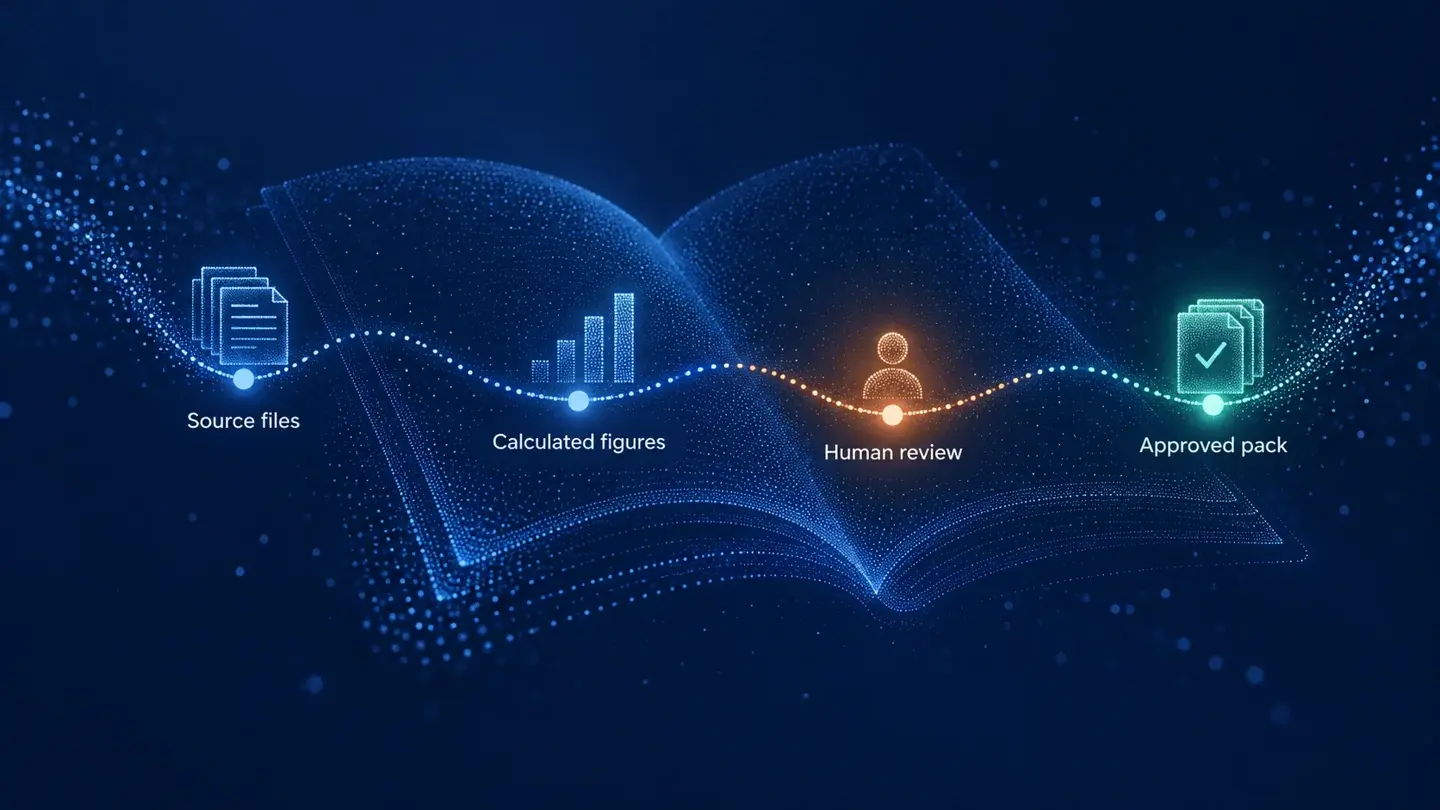
Claude in Excel for the month-end pack: what AI prepares and finance signs

AI meeting notes: the client file workflow for UK firms