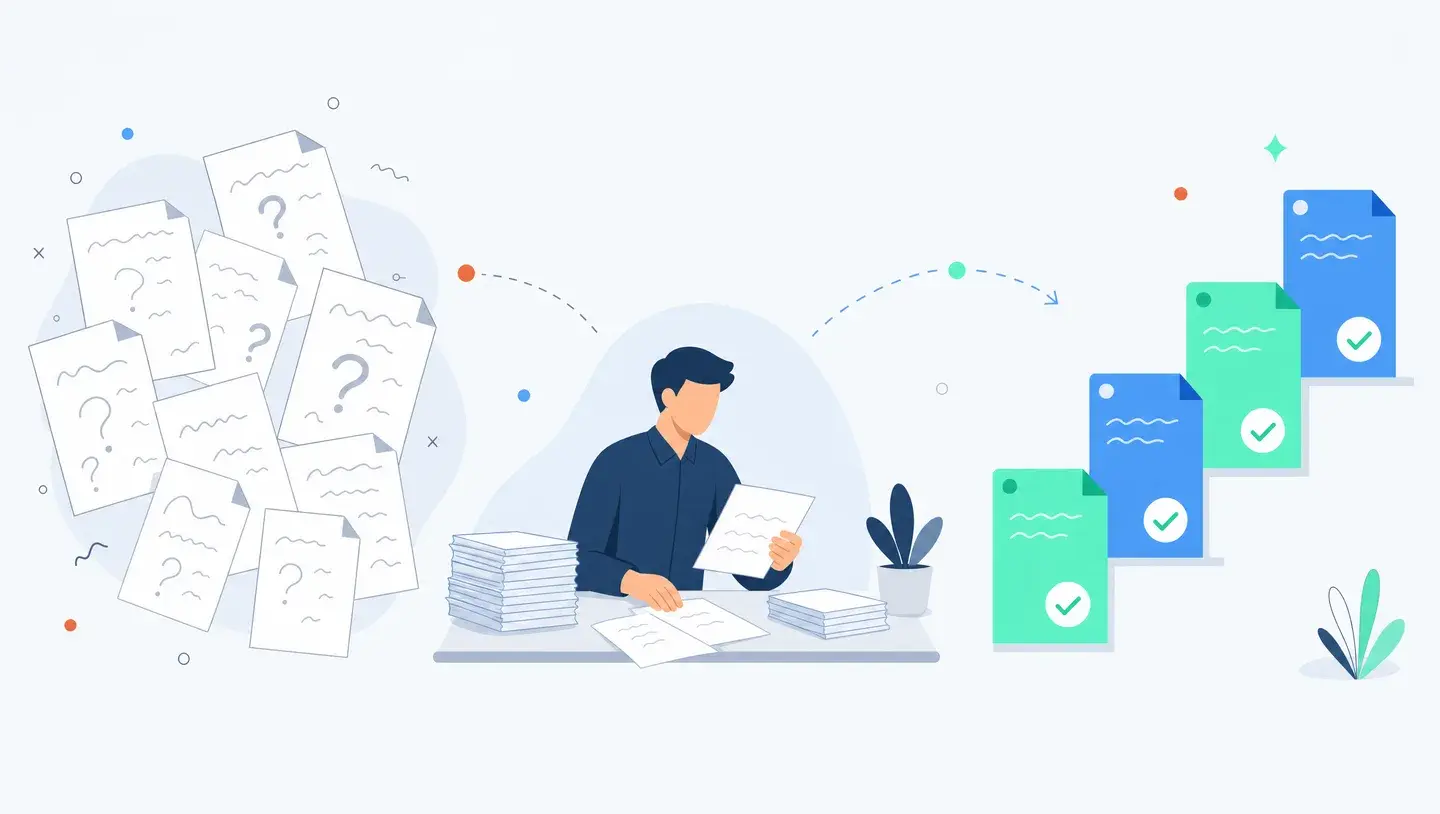
AI Knowledge Management: How Mid-Market Companies Make SharePoint, Notion and Slack Searchable
Knowledge workers lose nearly 20% of the week searching for information the company already has. For most mid-market teams the fix is a retrieval layer over your existing tools, not a new system to migrate into.
By Ivan Pylypchuk (opens in a new tab), CEO of Softblues
Your team already has the answer written down somewhere. The problem is finding it. McKinsey Global Institute put a number on the cost: the average knowledge worker spends nearly 20% of the working week, most of a full day, hunting for internal information or tracking down the colleague who knows (McKinsey Global Institute, The Social Economy). Across a 60-person company, that is like paying a dozen people to search instead of work.
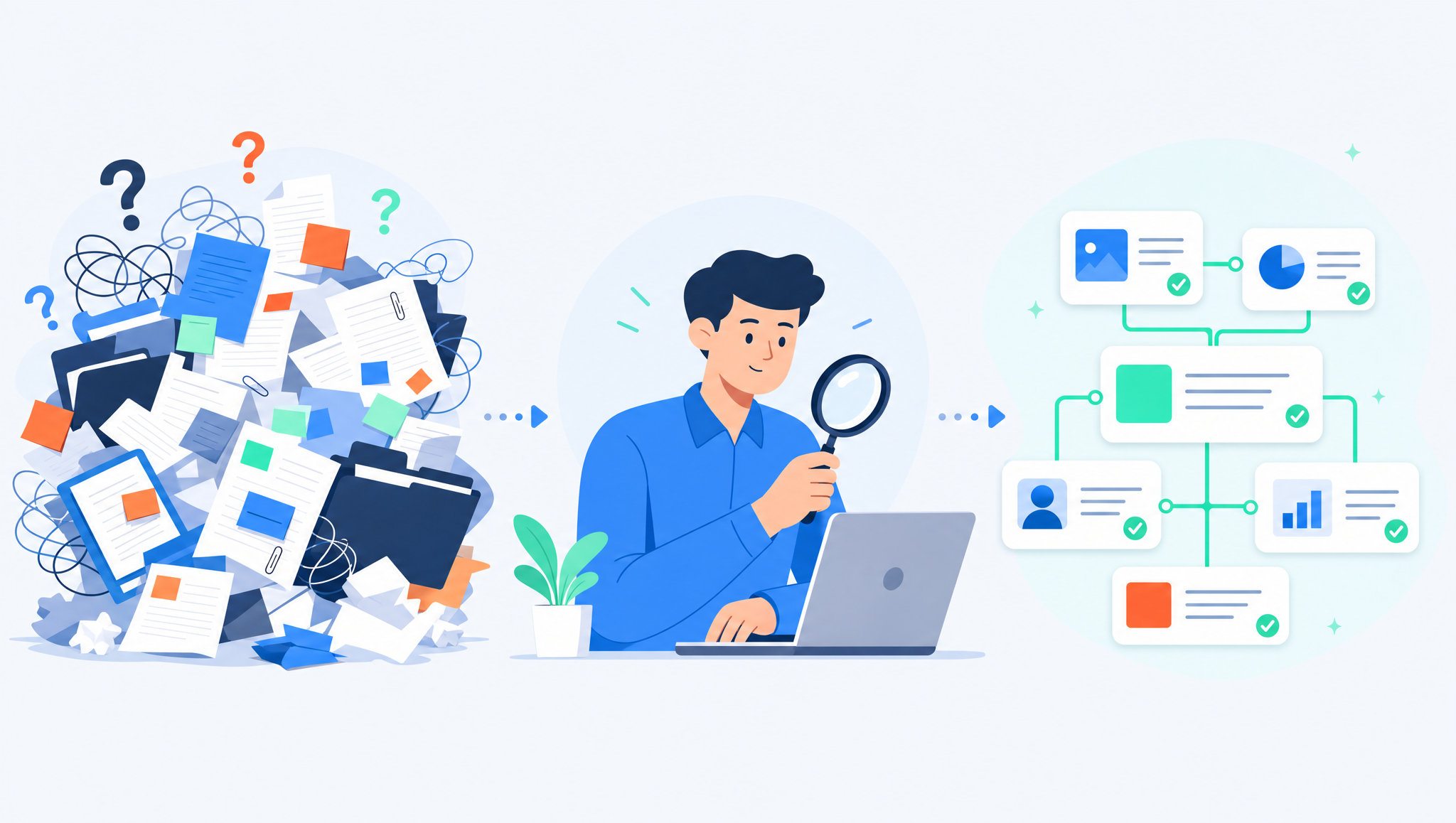
Most mid-market teams do not have a knowledge problem. They have a retrieval problem. The policy, the spec, the last client email, the finance sign-off rule: it all exists, but it is scattered across SharePoint, Notion, Slack, a shared drive and a few people's heads. This is a guide to closing that gap without ripping out the tools you already run.
Key facts
- Knowledge workers lose close to 20% of the week to searching for internal information (McKinsey Global Institute).
- The fix for most mid-market companies is a retrieval layer over existing tools, not a new knowledge-management system to migrate into.
- The hard parts are not technical. Permissions, a clear source of truth, and stale content decide whether this works.
- A useful assistant cites its sources, so people can verify the answer rather than just trust it.
- Buy a packaged knowledge base when your content is small and stable. Build a retrieval layer when the knowledge already lives across several systems.
Why can't your team find what it already knows?
Information does not disappear. It fragments. A procurement rule lives in a Notion page, the exception to it lives in a Slack thread from March, and the person who wrote both has moved teams. Search inside each tool only looks inside that tool, so nobody sees the whole picture. New joiners ask questions that were answered a year ago, and senior people become human search engines, the most expensive kind.
The instinct is to buy a knowledge-management system and move everything into it. That rarely survives contact with reality. Migration stalls, half the content never moves, and you end up with a fourth place to look instead of one. The more useful move is to leave content where people already create it and put a retrieval layer on top.
What is a retrieval layer, and how is it different from a classic knowledge base?
A classic knowledge base is a destination. Someone writes articles, tags them, and hopes people search there first. It works when content is small, stable and owned by one team.
A retrieval layer is different. It reads across the systems you already use, indexes what is there, and answers a plain-language question with the specific passage that addresses it, plus a link to the original. The technique behind this is retrieval-augmented generation (RAG): the model does not answer from memory, it fetches the relevant source material first and answers from that. The practical result is that the answer stays current because the source stays where its owner maintains it.
Buy a knowledge-management system or build a retrieval layer?
Neither option is always right. The decision comes down to how much content you have, how often it changes, and where it already lives.
| Buy a packaged KMS | Build a retrieval layer | |
|---|---|---|
| Best for | A single team, a stable body of articles, content you are happy to author in one place | Knowledge spread across SharePoint, Notion, Slack and drives that changes weekly |
| Content ownership | Centralised, someone owns the KMS | Distributed, each source keeps its owner |
| Setup effort | Migration and re-authoring | Connecting and indexing existing sources |
| Freshness | Depends on people updating the KMS | Answers reflect the live source |
| Avoid if | Your content already lives in five systems | You have almost no written knowledge to index yet |
If you have very little written down, fix that first. No retrieval layer can find knowledge that was never captured. If you have plenty but it is scattered, connecting it usually pays back faster than migrating it.
What actually decides whether this works?
The model is the easy part. Three unglamorous things decide the outcome.
1. Permissions have to be respected. An assistant that can read everything will happily surface salary data to someone who should not see it. The retrieval layer must inherit the access rules of each source system, so a person only gets answers from documents they were already allowed to open. Get this wrong once and trust is gone.
2. Someone has to own the source of truth. When two documents disagree, the assistant needs to know which one wins. That is a human decision. Name the canonical source for each topic and mark the rest as reference. Without an owner, the assistant faithfully repeats whichever version it found first.
3. Stale content has to be pruned. A retrieval layer makes old content easier to find, which is a problem when the old content is wrong. Archiving superseded documents is now a maintenance task, not a nice-to-have.
Why answers must cite their sources
An answer with no source is a rumour. The single most important design choice is that every response links to the passage it came from, so the person can click through and confirm. That lets people verify before they act, and it exposes stale or contradictory content quickly. It also builds the trust that gets people to use the tool at all. Treat "no citation, no answer" as a rule, not a feature.
How to roll this out without a big-bang project
Start narrow. Pick one team drowning in repeat questions, often HR, finance ops or support, and one well-defined body of knowledge. Connect those sources, get citations working, and let that team use it for a few weeks. You learn where the permission edges and stale documents are on a small surface before widening.
From there it extends naturally into the workflows around it: routing questions, drafting first-pass answers, summarising long threads. That is the same pattern we describe in enterprise AI agents: use cases that actually ship and the broader 12 enterprise AI use cases for mid-market companies. Connecting the assistant to the systems it needs to read is its own piece of work, covered in AI integration services.
For companies standardising on Claude, the same source-of-truth and permission questions come up during rollout. The Claude Enterprise implementation checklist walks through SSO, permissions and connectors. And a policy-and-handbook assistant is a common, contained first project: how to build one with Claude.
Frequently asked questions
Do we need to move everything into one system first?
No. That is the mistake most companies make. A retrieval layer reads across the tools you already use, so you connect sources rather than migrate them. Consolidation can come later if it is worth it.
Will it expose confidential documents to the wrong people?
Only if it is built badly. Done properly, the assistant inherits each source system's permissions, so people get answers only from documents they were already allowed to open.
How does it avoid making things up?
By retrieving real source passages before answering and citing them. If it cannot find a supporting source, it should say so rather than guess. Citations let people verify every answer.
What if our knowledge is out of date?
Then the assistant will surface out-of-date answers, which is why content hygiene matters. Naming a source of truth per topic and archiving superseded documents is part of the work.
How long before it is useful?
A single-team pilot over a well-defined body of knowledge is a matter of weeks, not months, because you are connecting existing content rather than authoring a new library.
Is this only for large enterprises?
No. Mid-market teams feel it most, because they have grown enough to scatter knowledge across several tools but rarely have a dedicated knowledge team to wrangle it.
Softblues is Certified in the Claude Partner Network and a Google Cloud partner at Services Select tier, and we build these systems the way practitioners do, starting with permissions, ownership and citations, not a slide about transformation. If your team spends too much of the week searching for what it already knows, that is a fixable problem. Fewer spreadsheets, more thinking.
Work out your numbers
One key process
Process automation ROI calculator
Five questions about one process. See the hours an AI agent frees up, what they are worth and how much becomes profit.
Work out your numbersYour whole firm
AI ROI calculator
Five questions about your firm. See the time AI frees up, what it is worth and when it pays for itself.
Work out your numbers
Free. No sign-up. Your answers stay in your browser.
See it in production
Systems we have built and run for clients, with the numbers that came out of them.
Related Articles
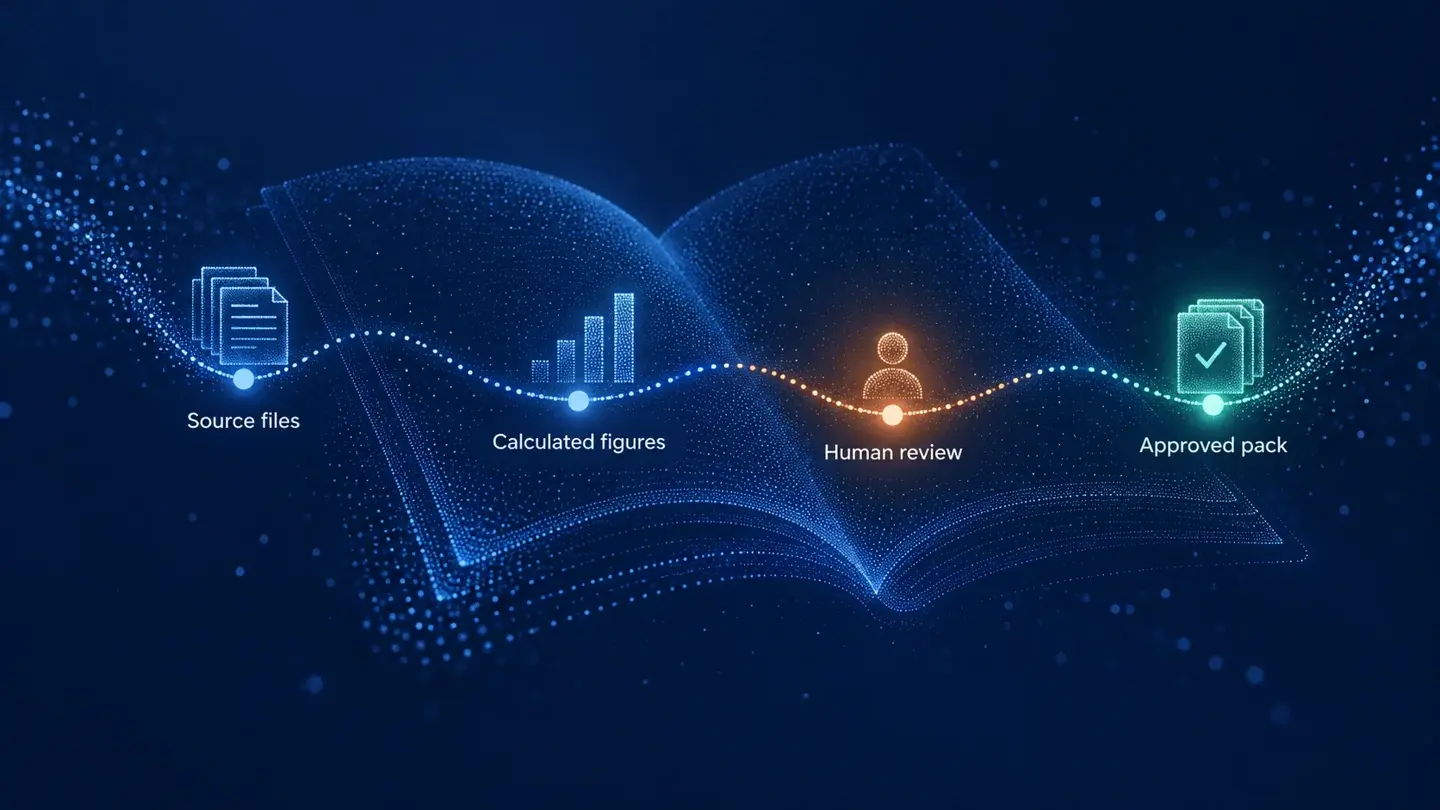
Claude in Excel for the month-end pack: what AI prepares and finance signs

AI meeting notes: the client file workflow for UK firms